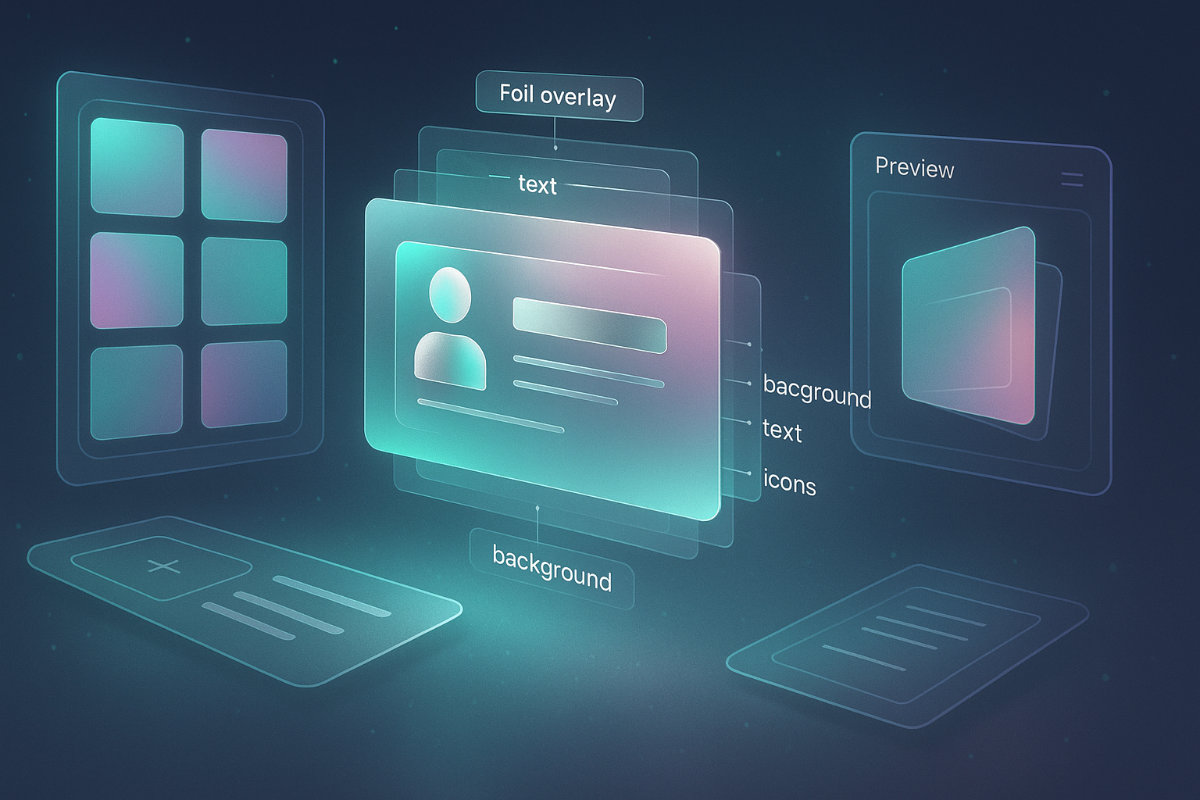
Business cards have never been just small rectangles of paper. They are brand statements, miniature ambassadors that tell the world who you are and what your company stands for. Over the past decade, I’ve worked with countless businesses and startups. Many struggled to create something simple yet memorable – and often, they underestimated how much a well‑designed card can influence first impressions. This guide offers not just a list of tools, but a practical perspective on how AI is reshaping this space.
Why AI Business Card Generators Are Changing the Game
The demand for fast, professional design solutions has exploded. Entrepreneurs are looking for ways to cut costs without sacrificing quality, and AI tools are filling that gap. These generators produce ready-to-print designs in minutes. They handle color combinations, typography, and layout logic that used to require hours of work from a professional designer.
Speed and Convenience
Traditional design workflows involve back-and-forth communication, drafts, and revisions. AI-based platforms eliminate that wait time. A user can type in brand details, upload a logo, and receive multiple professional templates in seconds.
Cost Efficiency
For small businesses or freelancers, hiring a designer can be expensive. AI generators provide affordable alternatives without compromising on style or quality.
Brand Consistency
Modern AI tools can automatically match business cards with your existing brand kit, ensuring that colors, fonts, and visual styles are cohesive.
Top AI Business Card Generators in 2025

When I test AI tools, I look at design flexibility, export formats, customization depth, and how well the platform understands branding principles. Here are my top picks for 2025.
1. Turbologo (Editor’s Choice)
Turbologo has evolved from a logo maker into a complete branding ecosystem. The AI business card generator is integrated into its platform, allowing you to create a cohesive visual identity. The system offers ready-made templates that adapt to your logo, color scheme, and typography. Unlike generic editors, Turbologo’s AI analyzes logo proportions and automatically aligns design elements for balance.
Key features:
- Automatic brand kit integration
- Ready-to-print formats (PDF, PNG, vector)
- Smart color pairing based on logo palette
- Intuitive editor for quick tweaks
2. Canva
Canva is a household name in design tools. Its business card templates are vast, but they rely heavily on manual adjustments. While Canva’s AI suggestions are improving, it’s still better suited for users who enjoy hands-on editing.
Pros: Huge library of templates, easy drag-and-drop system.
Cons: Less AI-driven automation compared to Turbologo or Lovart.
3. Adobe Express
Adobe Express (formerly Spark) delivers professional-grade designs. Its AI assistant generates layouts based on your inputs, but it comes with a learning curve. If someone values Adobe’s ecosystem, this is a natural choice.
4. Looka
Looka specializes in branding kits. It generates logo-based business cards that feel polished and modern. However, customization can feel limited if your brand requires unconventional layouts.
5. Lovart AI
Lovart’s strength lies in its “prompt-based” design generation. You describe the mood or concept, and the AI translates it into visual design. This flexibility appeals to creative industries.
How to Choose the Right AI Business Card Generator
There isn’t a universal “best” tool – it depends on your priorities.
| Criteria | Why It Matters |
| Branding Options | Does it adapt to your logo & colors? |
| Export Quality | Are files print-ready (300 DPI)? |
| AI Intelligence | Does it suggest balanced layouts? |
| Price & Plans | Does the cost match your needs? |
Expert Advice on Business Card Design
Expert Tip: Never overcrowd your card. One of the most common mistakes I see is the urge to cram every possible detail – from social links to taglines. Focus on the essentials: name, title, company, contact info, and a simple visual hook.
Choosing Fonts and Colors
Contrast is crucial. AI tools like Turbologo automatically pair fonts, but always test readability. A minimalist sans-serif font on a soft background often works best.
Adding QR Codes and NFC
Digital elements, such as QR codes linking to your portfolio, are no longer optional. Most modern AI generators offer this feature. It bridges the physical and digital worlds seamlessly.
Designing a Logo for Your Card with Turbologo
A business card is incomplete without a strong logo. Turbologo’s platform offers a smart logo generator that works alongside its card tool. Start by entering your company name and style preferences. Within moments, you get multiple logo concepts that match your brand tone. Pairing this logo with the AI business card generator ensures that every card looks professional and consistent.
Common Mistakes to Avoid
- Low-resolution exports – Always download in high-resolution or vector formats.
- Ignoring print margins – Use safe zones and bleed guides for perfect trimming.
- Overusing color gradients – A subtle gradient is fine, but too many can look amateurish.
Frequently Asked Questions (FAQ)
Q: Are AI business card generators suitable for all industries?
A: Most modern tools offer enough customization to fit any niche, from tech startups to creative studios.
Q: Can I use my own logo?
A: Yes, platforms like Turbologo and Canva allow logo uploads and integrate them into templates.
Q: Which file formats are best for printing?
A: PDF and high-resolution PNG (300 DPI) are standard. For scalable designs, use vector formats like SVG.
Q: Do AI tools support double-sided cards?
A: Yes, Turbologo, Looka, and Adobe Express support two-sided layouts.
Conclusion
AI business card generators are redefining the way professionals approach branding. Tools like Turbologo are not just about convenience – they provide smart automation that aligns design with brand identity. By choosing the right platform, focusing on clarity, and avoiding common design pitfalls, anyone can create cards that make a lasting impression.