A weekend sale poster can look attractive and still fail its purpose. The price might be difficult to read on a phone, the product may look different from what you sell, or the pickup address could disappear when the image is cropped. AI can help create visual concepts, but publishing a usable promotion requires decisions about layout, factual details, and the image itself.
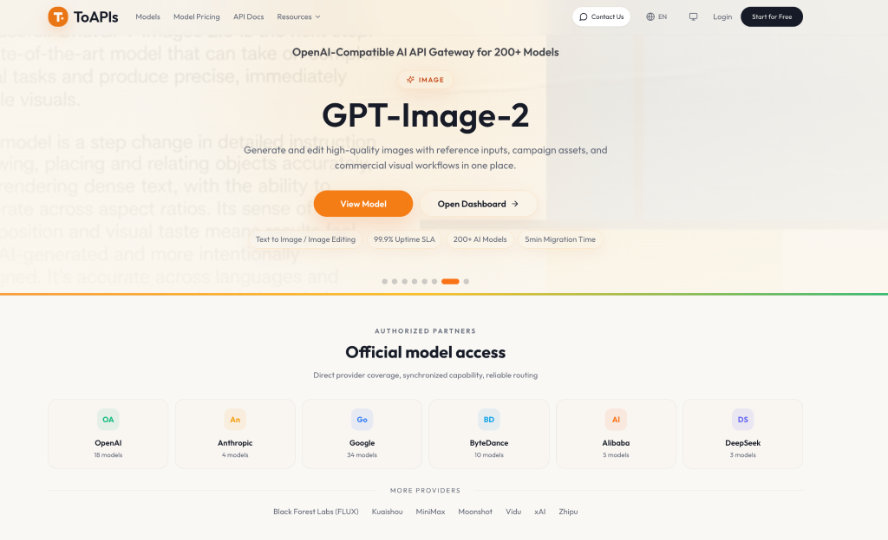
Start by separating the artwork from the information customers need. A browser-based generator suits occasional projects; recurring campaigns may justify connecting image generation to an existing content system. For that second approach, ToAPIs is an OpenAI-compatible gateway offering access to text, image, and video models. The workflow below explains what to prepare, how to direct generation, and what to check before posting.
Decide What the Image Must Show
Write a short brief before opening a generator. Identify the offer, intended audience, posting location, and action you want someone to take. For a hypothetical neighborhood coffee shop, that might mean promoting a Saturday iced-coffee offer and directing customers to order for pickup. Choose one main message; adding the entire menu will make the poster harder to scan.
Next, decide which elements require real photographs. If customers are buying a particular drink, cake, or handmade item, use an accurate product photo whenever possible. A generated scene can support the promotion, but it should not invent toppings, packaging, or quantities that customers will expect to receive. Keep the original photo available for comparison if you use it as a reference.
Choose the intended shape early, such as square for a planned square placement or vertical for a story layout. Check the destination’s current requirements before generating. Leave room around important objects so later cropping does not remove them.
Write a Prompt Around the Layout
A useful prompt describes the subject, setting, lighting, colors, and space needed for copy. Instead of asking for an “amazing coffee advertisement,” describe the composition. For the hypothetical shop, a starting prompt could be:
“Create a promotional background for a neighborhood coffee shop. Place one iced-coffee glass on the right side of a cream tabletop, with soft morning light and muted green accents. Leave the left half uncluttered for a headline and price. Do not include lettering, logos, or extra drinks.”
Treat this as a proposed brief, not a promise of an exact result. Inspect whether the empty area is usable and whether the glass has believable edges and shadows. If the background is too busy, change that instruction while keeping the rest stable. Changing the subject, palette, and camera angle together makes it harder to identify which revision helped.
Save the prompt alongside the chosen image. For the next campaign, reuse the approved lighting and colors while changing only the offer’s visual subject.
Generate a Draft Before Automating
For a single poster, begin with a generator’s browser interface and inspect a small set of drafts. Select an image for its suitability: readable space, recognizable subject, and compatibility with your brand colors. An API becomes worth considering when you repeatedly transfer similar briefs into a content system and need a repeatable submission process. It requires development work and ongoing error handling.
For a developer implementing that process, the documented GPT Image 2 API workflow submits a prompt to POST /v1/images/generations with the model identifier gpt-image-2. Optional reference_images accepts image URLs; local images must first be uploaded to obtain a URL, rather than passed directly as base64. This handles artwork generation, while layout editing and publication remain separate steps.
The request returns a task ID. Query GET /v1/images/generations/{task_id} until the task completes or fails, spacing checks at least five to ten seconds apart with some random variation. On completion, retrieve the image from the returned result and save it before its URL expires. An accepted request alone does not mean the artwork is ready.
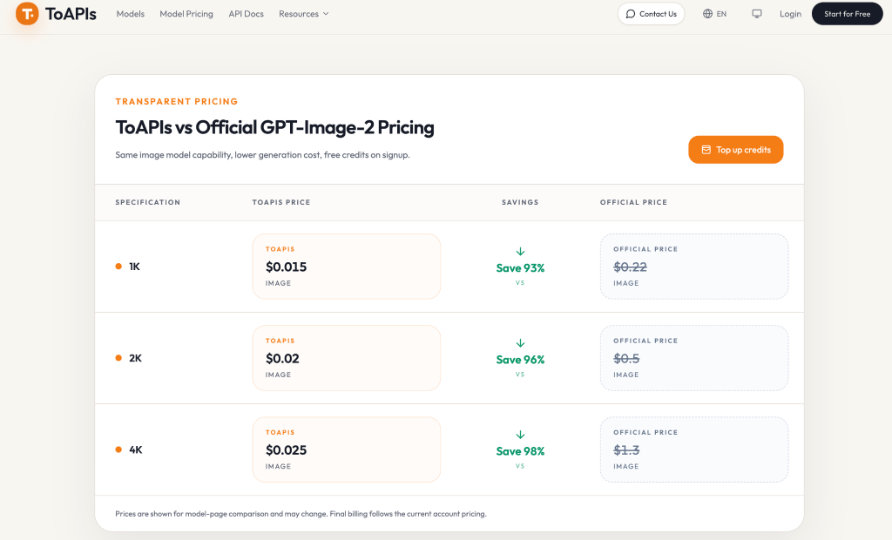
Keep API keys on the server. Before expanding volume, verify current account pricing and submission limits, and decide how many revisions each poster can justify. Continue with manual creation if integration and maintenance outweigh the repeated work being saved.
Add Prices and Contact Details Separately
Open the chosen artwork in an editor that supports editable text layers. Add the actual business name, offer, price, validity dates, and ordering instructions. Keeping these as text layers lets you correct a phone number or update a price without regenerating the artwork. Place your approved logo as a separate asset rather than asking the model to recreate it.
Give the headline the strongest emphasis, followed by the price and ordering action. Use a solid panel behind small text if the background makes it difficult to read. For Filipino customers, check peso symbols, local phone numbers, and any English or Filipino wording character by character. Preview the exported image on a phone; a readable editor canvas does not guarantee readable text in a feed.
Check the Export Against the Offer
Compare the poster with your written brief and the actual product. Use these four checks before scheduling it:
- Accuracy: Confirm the price, dates, contact details, and offer conditions against an approved source.
- Product fidelity: Check that ingredients, packaging, portions, and included items match what customers will receive.
- Mobile readability: View the image at its expected display size and check the smallest essential text.
- Cropping: Preview each intended placement and reposition elements that sit too close to its edges.
If the product has changed during generation, reject that draft or replace the affected area with the real photograph. A persuasive image is unsuitable if it creates the wrong expectation. When only the layout fails, move the text or crop differently before paying for another generation. Keep the editable project, exported poster, prompt, and approved offer details together so future updates have a reliable starting point.
Build a Repeatable Poster Process
Start with one promotion and carry it through briefing, generation, editing, and review before creating a batch. Record which changes produced usable space and which outputs required too much correction. That record helps you decide whether to reuse a prompt, adjust the layout, or return to ordinary product photography.
Automate only after those decisions are consistent. Repeated submissions can save handling work, but someone still needs to verify the offer and approve the image. The finished poster should tell a customer what is available, what it costs, and how to order, with artwork that supports those facts.