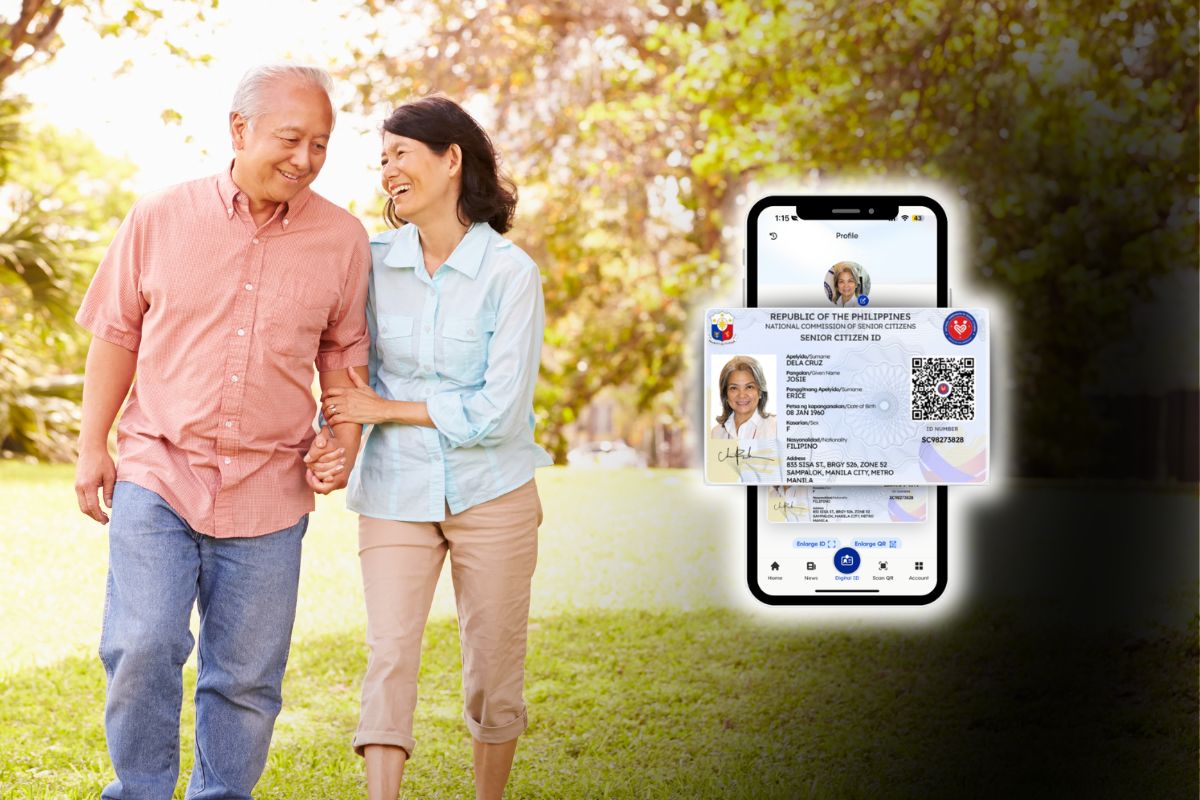
Filipino senior citizens no longer need to carry a laminated plastic card to claim the discounts and privileges they are entitled to by law. Since August 2025, the National Commission of Senior Citizens (NCSC) and the Department of Information and Communications Technology (DICT) have made the Digital National Senior Citizen ID, or NSCID, available through the eGovPH app.
So if you are a senior citizen, or if you are helping a parent or grandparent obtain their Digital Senior Citizen ID, this guide teaches you how to get it.
Table of Contents
What is the Digital National Senior Citizen ID (NSCID)?
The Digital NSCID is the official electronic version of the physical Senior Citizen ID issued by your local Office of Senior Citizens Affairs (OSCA).
It can be accessed inside the eGovPH app, the Philippine government’s unified mobile platform for national IDs and government transactions. Instead of pulling a card from your wallet, you simply open the eGovPH app, tap Digital ID, and show the ID on your phone screen.
The NCSC and DICT launched the digital NSCID at The Manila Hotel on August 15, 2025, positioning it as part of the government’s broader push toward app-based identity verification. Under NCSC Public Advisory No. 1, Series of 2026, the digital NSCID carries the same legal weight as the physical card. It is not a secondary or “backup” ID; it is a primary, legitimate proof of identity for Filipino seniors.
By the numbers, adoption has been steady but far from widespread: as of April 2026, more than 1.3 million senior citizens had activated their digital NSCID through the eGovPH app, out of an estimated senior population of over 9 million nationwide.
Who Can Get a Digital Senior Citizen ID?
To qualify for the digital NSCID, you need to meet these conditions:
- You are a Filipino citizen aged 60 or older. This follows the same age threshold as the Expanded Senior Citizens Act.
- You are registered with the Philippine Identification System (PhilSys) and have a PhilSys Number (PSN), whether or not your physical National ID card has already arrived.
- You have an existing record with your local OSCA, either because you already hold a physical Senior Citizen ID or because your local government unit has verified your senior citizen status.
If all three apply, the digital NSCID typically appears automatically in your eGovPH account – no application necessary. If you have a PhilSys record but no OSCA record yet, you will need to visit your local OSCA first.
Note: If you are not yet registered with PhilSys, now is the time to do so. Registration is free and is done in person at PhilSys registration centers, satellite registration sites in malls and barangay halls, or LGU-hosted registration days. Bring your birth certificate and one valid ID, or two supporting IDs if you don’t have a primary ID.
How to Get Your Digital Senior Citizen ID via the eGovPH App
Follow these steps to obtain your Digital Senior Citizen ID if you don’t have an eGovPH account yet:
- Download the eGovPH app from Google Play (Android) or the App Store (iOS).
- Open the eGovPH app and register an account using your mobile number and email address.
- Enter the one-time PIN (OTP) sent to your phone and email to confirm your identity.
- Set a 6-digit PIN for future logins, or even better, enable Face ID authentication. You will use this instead of typing your password every time.
- Complete identity verification using your PhilSys Number and a face scan. This step links your eGovPH account to your PhilSys record.
- Tap “Digital ID” on the home screen. If you are 60 or older and your OSCA record is verified, your digital NSCID will display automatically alongside any other digital IDs linked to your account, such as your Digital National ID.
- Select the Senior Citizen ID and tap “Enlarge ID” to view it.
- Optionally, take a screenshot so you have an offline copy in case you don’t have Internet access.
If you already have an eGovPH account, you can easily access your Digital Senior Citizen ID by simply opening the eGovPH app and tapping “Digital ID.”
What to Do If Your Digital ID Doesn’t Appear
If your Digital Senior Citizen ID doesn’t appear on the eGovPH app, don’t panic because there’s a solution. Just follow these steps:
- Confirm that your PhilSys registration is complete first. Without a PSN, the eGovPH app has nothing to link the digital NSCID to.
- Visit your local Office of Senior Citizens Affairs (OSCA), usually located at your city or municipal hall, and bring your physical Senior Citizen ID plus a valid government ID.
- Request verification or updating of your senior citizen record, especially if you moved residence, changed your name, or never had your details encoded digitally.
- Wait for the OSCA to sync your record with the NCSC’s central database. Processing time varies by LGU, so ask the OSCA staff directly for an estimate.
- Return to the eGovPH app and check the Digital ID tab again once the OSCA confirms the update has been processed.
- If your Digital Senior Citizen ID still doesn’t appear, you may email [email protected] or message the official eGovPH Facebook page for assistance.
Where and How to Use Your Digital Senior Citizen ID
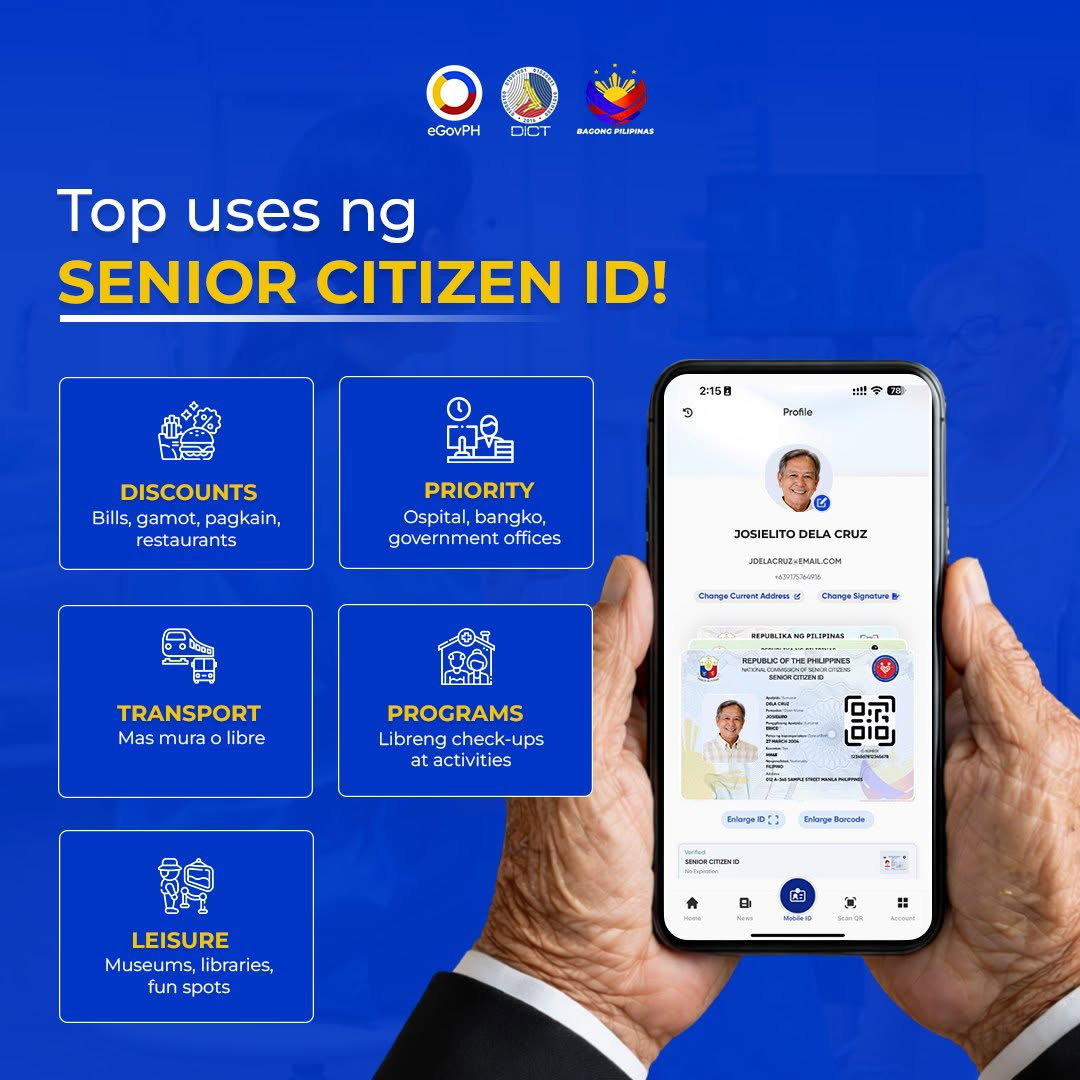
Under NCSC Public Advisory No. 1, Series of 2026, the digital NSCID is valid for the same range of transactions as the physical card, including:
- The mandatory 20% discount and VAT exemption on medicines, food, transportation, and other goods and services covered under the Expanded Senior Citizens Act.
- Access to government services, assistance programs, social protection programs, and priority accommodations in both public and private establishments.
- Banking, financial and identity verification transactions, including account opening, loan applications, and benefit claims.
- Any other lawful transaction where a Senior Citizen ID is required or customarily accepted.
To use it, open the eGovPH App, tap Digital ID, select your NSCID, and show the on-screen card to the cashier, teller, or service staff. Screenshots are acceptable in situations without Internet access, provided that the ID details are clear and current.
What to Do If an Establishment Refuses to Accept Your ID
The NCSC has said that refusing to honor the Digital Senior Citizen ID is not acceptable. In its May 2026 advisory, the agency called on all institutions and establishments to “strengthen awareness and compliance to prevent inconvenience and discrimination against older Filipinos.”
Do these if a cashier or staff member insists that only the physical card is valid:
- Politely cite NCSC Public Advisory No. 1, Series of 2026, which confirms that the digital NSCID has the same legal standing as the physical ID.
- Ask to speak with a manager or supervisor if the front-line staff are unfamiliar with the policy.
- Report the incident to your local OSCA or the NCSC, since the agency has said that they are tracking compliance complaints from establishments that refuse the digital ID.
- Keep your physical Senior Citizen ID as a backup, especially in smaller towns where staff may not yet be briefed on the digital ID’s validity.
Digital NSCID vs. Physical OSCA ID
These are the differences and similarities between the digital and physical versions of the Senior Citizen ID:
| Feature | Physical OSCA ID | Digital NSCID |
|---|---|---|
| Format | Laminated plastic card | On-screen ID in eGovPH App |
| Cost | Free | Free |
| Requires internet to use | No | Yes to display live, but screenshots work offline |
| Replacement if lost | Reapply at OSCA | Reinstall app and log back in |
| Legal validity | Fully valid | Fully valid under NCSC Advisory No. 1, s. 2026 |
| Best for | Seniors without smartphones | Seniors who already carry a phone daily |
Both formats remain valid, and the NCSC has not set an expiration date for the physical card. You are free to use whichever is more convenient for a given transaction.
Frequently Asked Questions
Is the Digital Senior Citizen ID free?
Yes. The digital NSCID is issued free of charge through the eGovPH app. There is no application fee, and you are not required to obtain it if you already have (or prefer to use) your physical Senior Citizen ID.
Can I still use my physical OSCA ID instead of the digital version?
Yes. Both the physical OSCA-issued Senior Citizen ID and the digital NSCID are valid, and establishments are required to accept either one. Use whichever is more practical and convenient for you.
Do I need Internet access to use the digital NSCID?
You need an Internet connection to display the live version of the digital ID inside the eGovPH app. However, you may take a screenshot of your digital ID beforehand and present this screenshot when you don’t have Internet.
What if the establishment still refuses to honor my digital ID?
Cite NCSC Public Advisory No. 1, Series of 2026 (which confirms the digital NSCID’s validity), ask for a supervisor, and report the establishment to your local OSCA or the NCSC if the refusal continues. The agency has publicly committed to addressing complaints of this kind.
Will my digital ID show up automatically if I already have a physical Senior Citizen ID?
In most cases, yes, provided that your OSCA record is complete and linked to your PhilSys registration. If it doesn’t appear after completing identity verification in the eGovPH app, your OSCA record may need to be updated first.
The Digital Senior Citizen ID doesn’t appear even after I verified my identity. What’s wrong?
This almost always means that your OSCA record has not yet been synced with the NCSC database. Visit your local OSCA to have your record updated rather than repeating the PhilSys verification step.
The app is asking for a PhilSys Number I don’t have. What do I do?
You must complete PhilSys registration before the eGovPH app can issue any digital ID, including the NSCID. There is no way to activate the digital NSCID without an existing PhilSys record.
Can a family member use my digital ID on their phone to claim a discount?
No. The digital NSCID is personal and non-transferable, and the same restriction that applies to the physical card. Using it on someone else’s behalf is not allowed.
The app crashes or the screen goes blank when I tap Digital ID. How do I fix this?
Update the eGovPH app to the latest version through your app store, and confirm that your phone’s operating system is current. Older Android and iOS versions sometimes have trouble with the app’s facial verification module, which may cause it to crash.
Wrapping Up
Getting your Digital Senior Citizen ID is so quick and easy as long as you’re already registered with PhilSys and OSCA. All you have to do is to open the eGovPH app and access your ID which shows up automatically, ready for use to avail of your senior citizen discounts and privileges.
If you don’t have a smartphone or prefer not to use it, no worries because your physical OSCA-issued ID card is still valid. The Digital NSCID simply offers a more convenient and practical way to access and display your Senior Citizen ID using your smartphone.
If you have any questions and concerns, you may call the NCSC hotline (02) 8567-5646 or email [email protected].