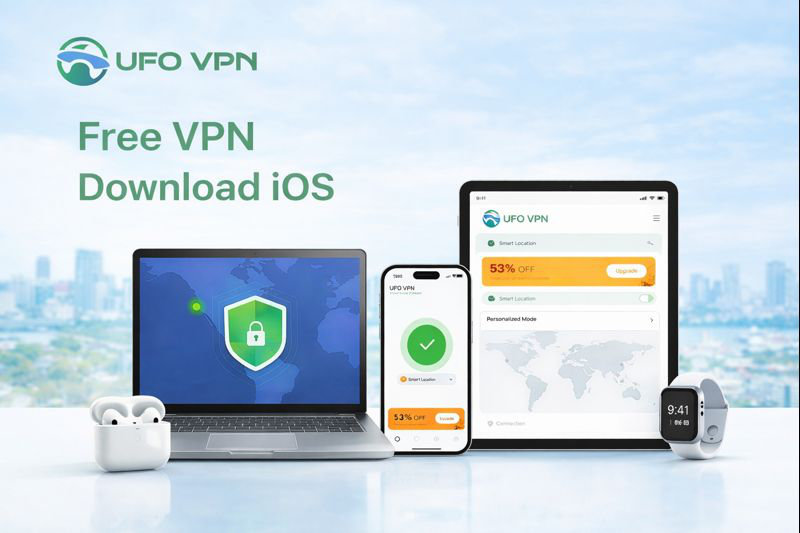
When you are using your iPhone or iPad for daily browsing, streaming, and communication, your personal data may be at risk if there is no protection in place. In this case, a reliable tool like UFO VPN can be a perfect solution. It offers users worldwide a free VPN download iOS to enjoy a faster, more secure, and hassle-free online experience.
Almost every VPN in the App Store claims to be free and safe to use, but that is not always the case. Some tools start out free, only to introduce hidden limits later, such as reduced speeds, data caps, or paywalls that restrict basic features. This practice is very common, but there are exceptions. Among the many VPN options available, UFO VPN stands out as an ideal choice.
It is considered one of the best free VPN download iOS, due to key features such as:
- Advanced Security: Uses higher encryption levels and reliable security protocols to protect user data and personal privacy.
- One-Click Connection: Users can connect instantly with a single tap by automatically selecting the best available server.
- Fast & Stable Speed: UFO VPN delivers smooth browsing with minimal lag or interruptions.
- User-Friendly Interface: The simple and intuitive design allows users to get started quickly and access global content with ease.
- 2000+ Global Servers: It offers users a wide network of servers across multiple regions for better performance and flexibility.
- Truly Free VPN: It provides free bandwidth and multiple server options for daily use, with optional upgrades, a premium trial, and a 30-day money-back guarantee.
UFO VPN 2026 Update: What’s New in Free VPN Download iOS
UFO VPN pays special attention to user data security and online experience. In its 2026 version, it has introduced several significant improvements, including:
- Kill Switch: Keeps your data and privacy intact. If the VPN disconnects, it will instantly stop all traffic to prevent accidental exposure of the user’s real IP address.
- SmartHop: Monitors server performance and automatically reroutes traffic to maintain smooth and reliable connections.
- Auto-Protect: Automatically enables VPN protection when joining public or unsecured Wi-Fi networks, ideal for airports, cafés, schools, offices, hotels, etc.
- No-Logs Policy: UFO VPN ensures that users’ browsing history and connection data are never stored, prioritizing privacy at all times.
- Multi-Login: Allows users to secure up to 10 devices at the same time under a single account and protect all the devices at once.
- Split Tunneling: Better controls over your network traffic by smartly deciding which apps run through UFO VPN and which connect directly.
What to Consider When Selecting a Free VPN Download iOS?
Think twice before you use a free VPN on iOS devices. You may need to consider factors like:
- Security and privacy protection
- Connection speed and stability
- Server locations and availability
- Ease of use on iOS devices
- Transparency and trustworthiness of the provider
Taking these aspects into account can help you choose a free VPN that is both reliable and suitable for everyday use.
4 Steps to Use Free iOS VPN for Your iPhone/iPad
UFO VPN is renowned for its ease of use. To use it, just follow the 4 simple steps below:
Step 1. Install UFO VPN from the App Store or the UFO VPN official website.
Step 2. Log in or create a new account.
Step 3. Chose a server manually or automatically by tapping the one-click feature.
Step 4. Customize optional features such as Split Tunneling, ad blocking, and SmartHop to better manage traffic and performance.
Conclusion
Choosing the right free VPN download iOS is good for protecting your data and enjoying a smooth online experience. With strong security features, stable performance, and easy setup, UFO VPN stands out as a reliable option for iPhone and iPad users seeking safe and hassle-free browsing.