Key Takeaways
- Old videos often become hard to reuse because the music feels outdated, off-brand, or risky from a licensing perspective.
- Music Remover can help separate dialogue from the original soundtrack before you add new music.
- Voice Enhancer can make narration, interviews, and on-camera speech clearer for modern platforms.
Old videos can be surprisingly valuable. A product demo from two years ago may still explain a feature well. A customer interview may still have a useful quote. A webinar clip may work perfectly as a short social post. The problem is often not the footage itself. It is the soundtrack.
Maybe the music feels dated. Maybe the brand has changed. Maybe the original track was only licensed for one campaign. Or maybe the audio mix was made for a long-form YouTube video, but now you want to reuse the clip on TikTok, Instagram, LinkedIn, or in a course.
Repurposing old videos is easier when you can separate the useful speech from the old audio choices. With the right workflow, you can often keep the message, clean the voice, and rebuild the sound for a new audience.
Why Old Soundtracks Become a Problem
The soundtrack that worked when a video was first published may not work forever. Music trends change quickly. A track that once felt fresh can start to sound like a specific year or platform style. That matters if you want your old videos to feel current.
Licensing is another issue. Teams often use music from stock libraries, campaign subscriptions, freelance editors, or platform-specific music catalogs. Later, no one is completely sure where the track came from or whether it can be reused in a new context.
Branding can also change. A calm B2B brand may not want the upbeat music it used during an earlier growth phase. A creator may want a quieter, more professional sound. A course creator may want less music so learners can focus on the explanation.
In all these cases, the goal is simple: keep the useful voice, remove or reduce the old soundtrack, and make the clip work again.
Start by Checking What You Have
Before editing old videos, look for the original project files. If you still have separate voice, music, and effects tracks, use them. That gives you the cleanest result.
But many old videos are stored only as finished MP4 files. The voice, music, and effects are already mixed together. That makes editing harder, but not impossible.
Export the audio from the video and keep an untouched backup. Then listen closely. Is the music constant? Does it get louder during transitions? Is there singing? Are sound effects important to the clip? These details affect how cleanly the audio can be separated.
Separate the Voice from the Old Music
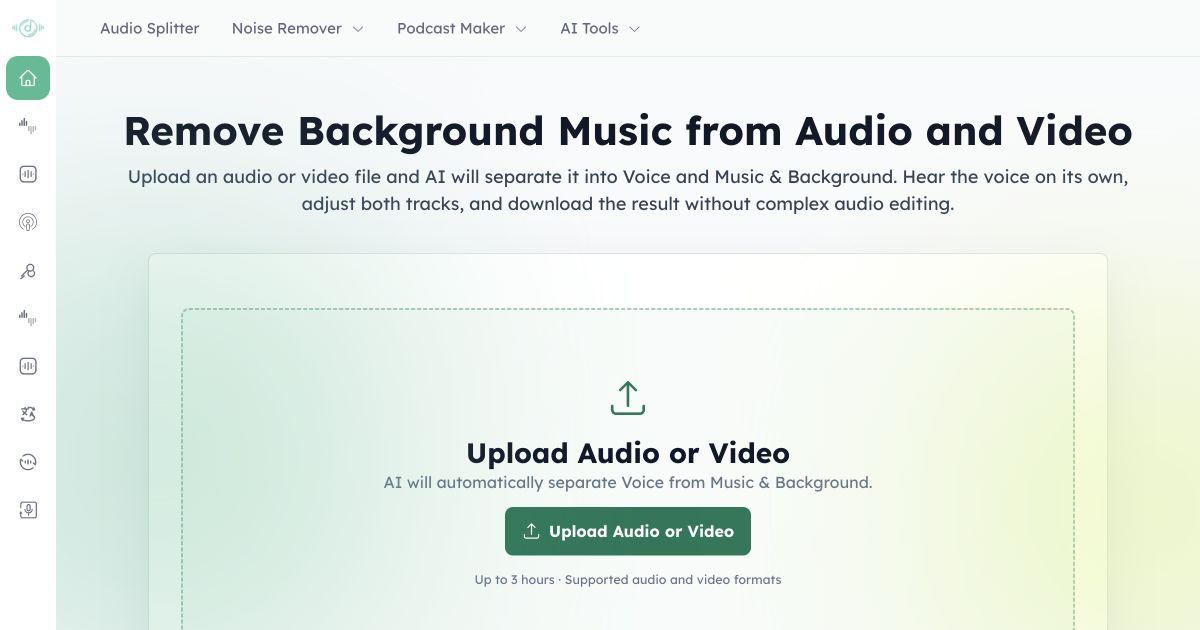
If the original soundtrack is mixed under speech, start with separation. Music Remover can help isolate the dialogue or narration from the music so you can rebuild the audio track with more control.
This step is especially useful for old videos with interviews, tutorials, testimonials, course lessons, and product walkthroughs. You may not need to remove every trace of music. Sometimes lowering the old soundtrack is enough. Other times, you may want a clean voice track so you can add a completely new background track.
Listen carefully after separation. If the speaker sounds thin or slightly rough, do not panic. That is common when music and voice were heavily mixed. You can often improve the result in the next step.
Clean the Voice for Modern Platforms
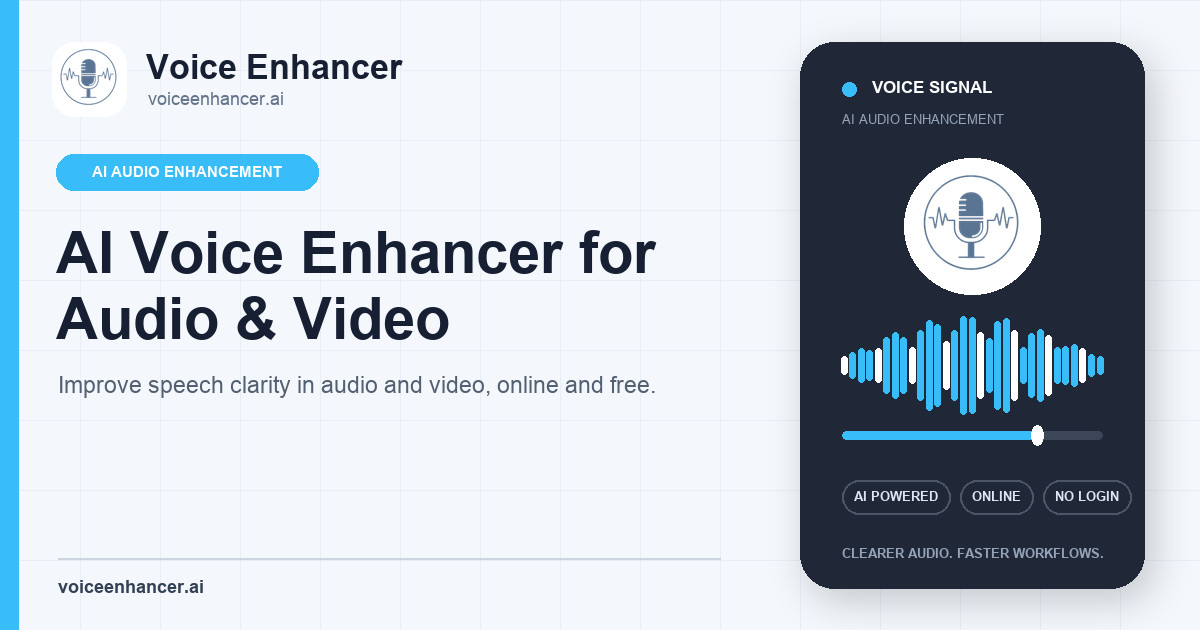
Once the speech is separated, polish it lightly. Voice Enhancer can help make narration, interviews, and on-camera speech easier to understand on phones, laptops, and earbuds.
This matters because many old videos were mixed for different viewing habits. A webinar recorded for desktop viewers may sound too quiet on mobile. A conference clip may have room echo. A product demo may have a narrator who sounds distant from the microphone.
Use enhancement to improve clarity, not to erase all character from the voice. If the old video is a customer story or founder interview, a little natural room tone can make it feel more authentic. Over-cleaned audio can feel disconnected from the footage.
Add a New Soundtrack Carefully
After you have a cleaner voice, choose new music that supports the clip instead of competing with it. Keep the volume low under speech. If you are creating social content, remember that many viewers will hear the clip on small speakers, where music can mask words more easily.
For educational old videos, consider using no music during dense explanations. You can add a short intro or outro track, then leave the main voice clean. For product clips, light music can help pacing, but it should not make the demo harder to follow.
If you are turning one long video into several short clips, do not force the same music under every segment. Each clip may need a different pace.
Use Captions and New Formats
Repurposing old videos is not only about audio. Once the voice is clear, you can add captions, create shorter edits, translate the script, or turn a strong quote into a vertical clip.
Captions are especially useful when the original recording is imperfect. They help viewers follow the message even if the audio still has some background texture. They also make the clip easier to watch in silent autoplay feeds.
You can also create several assets from one source: a short social clip, a blog embed, a course module, a newsletter GIF, or a sales enablement snippet. This is where old videos become a real content library instead of a forgotten folder.
Keep a Light Legal Check
Audio cleanup does not remove the need to respect copyright. If you are replacing music because the old license is unclear, make sure the new track is properly licensed for the platform and campaign where you plan to use it.
Also, if the video includes customers, employees, event speakers, or partners, confirm that you have permission to reuse the footage in the new format. Repurposing old videos is smart, but the rights still matter.
Make Old Content Useful Again
Old videos often contain good material trapped inside outdated packaging. The visuals may still work. The message may still be relevant. The only thing holding the clip back may be the soundtrack.
By separating the old music, cleaning the voice, and rebuilding the mix, you can give that content a second life. You do not need perfect audio. You need clear speech, a soundtrack that fits the new context, and a final edit that feels easy to watch.
For many teams and creators, that is enough to turn forgotten old videos into useful content again.