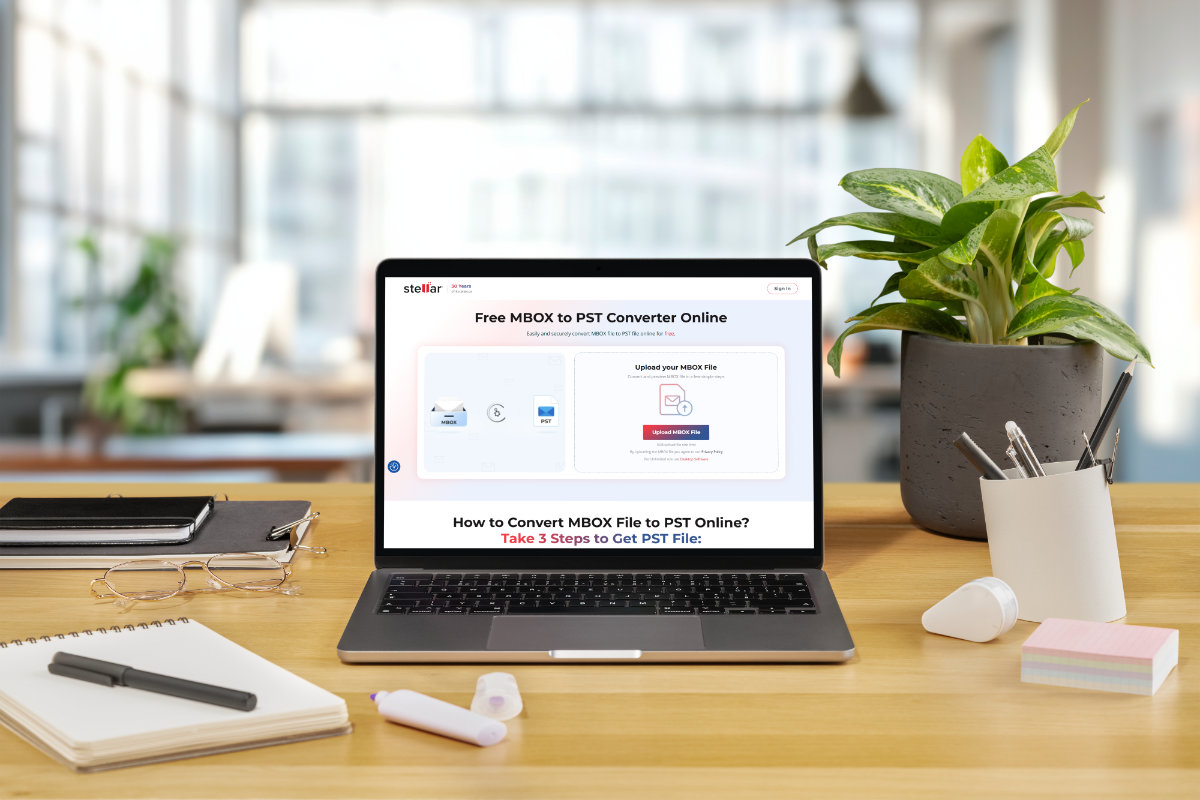
If you are migrating mailboxes from an MBOX-based email client (Thunderbird, Eudora, Apple Mail, etc.) to Outlook, you need to convert the MBOX file to PST, since Outlook supports the PST file format. To convert the MBOX file to PST, there are various third-party tools and manual methods available. However, a fast and straightforward way is to convert the MBOX file to PST online. In this step-by-step guide, we will explain how to convert MBOX file into PST online.
Convert MBOX to PST Format Online
You can find a long list of powerful MBOX to PST converter applications for your desktop. To run them, you have to fulfill a list of requirements, such as installation of Outlook application, minimum system specifications (RAM, storage, etc.) and others. Moreover, you will need to purchase a license to utilize all their features.
To avoid such hassles, it is best to rely on an online MBOX to PST converter tool. An online MBOX to PST tool is a web-based tool that offers a convenient way to convert MBOX files into PST format compatible with Outlook. Using such a tool has several benefits, such as:
- Ideal for quick conversion
- Safe and reliable
- Easy-to-use
- No download/installation required
- Can work without Outlook installed on the system
- Can easily be used on any system (Windows, Mac, & Linux)
If you search “convert MBOX to PST online” on internet, you will find an overwhelming list of websites or tools, claiming to be the best for MBOX to PST conversion. Selecting the MBOX to PST converter tool that is reliable, safe, and easy-to-use can be difficult. However, there is an easy way out – choose the tool from a reputed brand that is topping the search results.
One such reliable online MBOX to PST converter tool is from Stellar – a well-known data care company. Stellar’s online MBOX to PST conversion tool allows you to quickly convert MBOX files to the PST file format. You can use this tool on any computer running Windows, MacOS, or Linux.
You can use this free online MBOX to PST converter tool to convert an MBOX file of ≤ 100 MB in size. The converted mailbox file is available to download until 3 hours of conversion. Post which, the file is deleted from the servers to meet the data privacy and security regulations. You can opt for the Premium version of this tool to convert 5 MBOX files, having a combined file size limit of ≤ 5 GB.
Here is how to use this tool:
- Launch a web browser on your computer and go to the free online MBOX to PST converter tool page.
- Click on Sign In at the top right corner and then click on Sign Up.

- After signing up, you will see the home page. Click on the Upload MBOX File button.

- The Open window will appear. Use it to locate and select the MBOX file on your system. Click on Open.

- Once the file is uploaded, you will see the File Uploaded Successfully status. Click on Start Conversion.

- Once the selected MBOX file is converted to PST format, the File Converted Successfully window will appear.
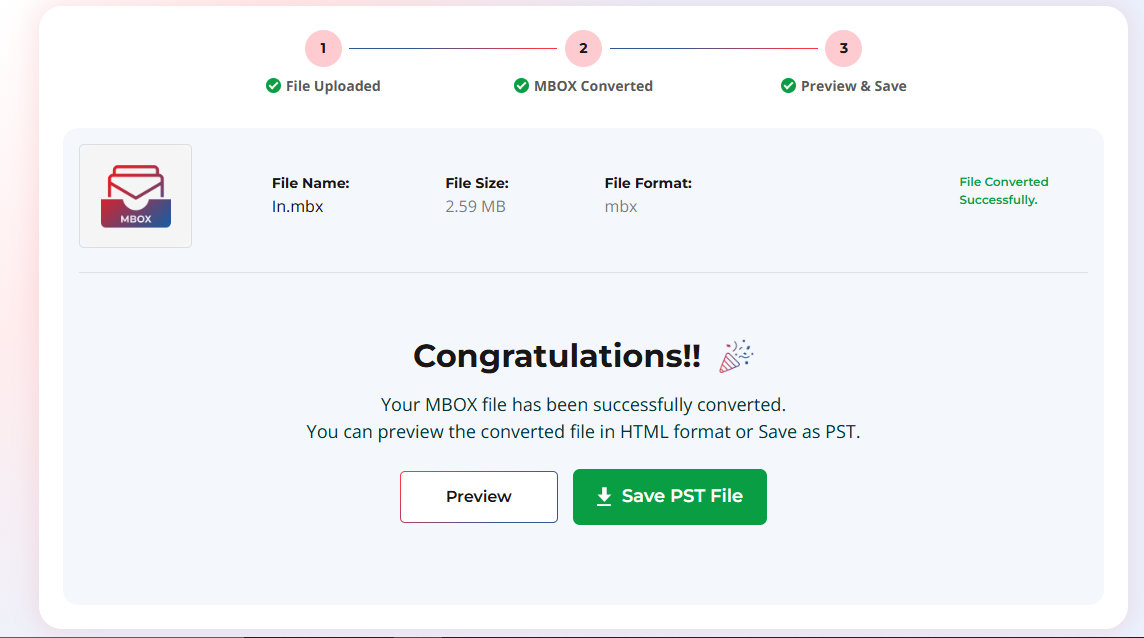
- You will see two buttons to choose from.
- The Preview button will generate and save an HTML file of the mailbox preview on your system.
- The Save PST File button will save the converted PST file on your system.
To preview the converted mailbox items, open the .html file using a web browser. Use Outlook’s Import/Export wizard to open the PST file.
Conclusion
Online MBOX to PST converter tools, like Stellar Converter for MBOX Online, are highly effective, simple to use, and quick in converting the MBOX files into the PST file format. They are feature-rich and offer convenience and security, thereby making them suitable for converting MBOX files to PST file format on the go. The intelligent algorithms ensure 100% accuracy during the conversion process.
However, the free versions of these online tools come with file size restrictions. If you want to convert large MBOX files to PST, you can use the desktop versions of these tools. Stellar also offers the desktop version of MBOX to PST converter tool. It can convert MBOX, MBX, and RGE to PST and other commonly used file formats, such as EML, PDF, RTF, HTML, and more.