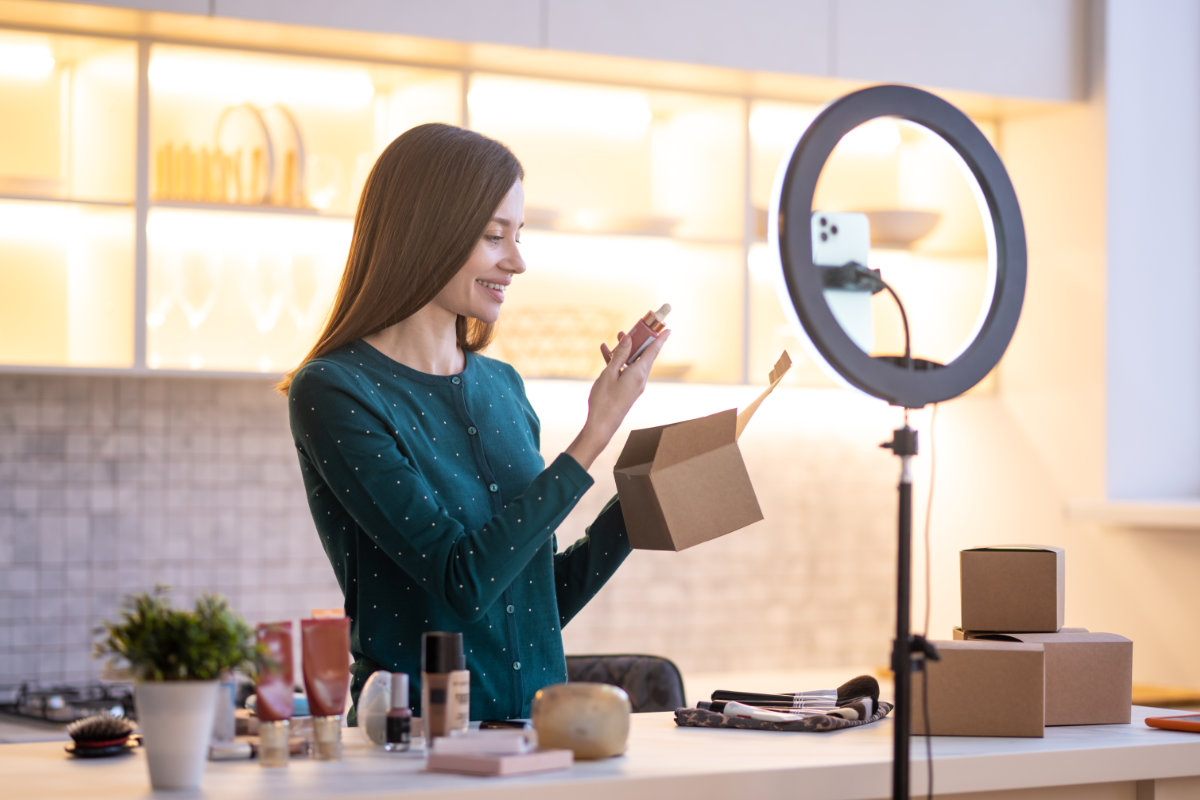
If you sell online in the Philippines, you already know the feed rewards video. A still photo on Shopee, Lazada, TikTok Shop or Facebook Marketplace can get scrolled past in a second, while a short clip of the product in action makes people stop. The problem for most small sellers is time and gear. Shooting proper product video means lighting, a tripod, props and a lot of retakes, usually squeezed between packing orders.
AI video generators have become a practical middle ground. You type a description, or upload a product photo you already took on your phone, and get back a short clip with motion and sound. None of it replaces a real unboxing or a live selling session, but for scroll-stopping openers and ad variations, it can save a lot of hours.
Here is a phone-first approach, plus five clip recipes you can adapt for your own shop.
Start with the format your buyers actually watch
Most of your buyers are likely browsing on their phones, so build for vertical first. Choose 9:16 for TikTok, Reels, Stories and Shopee Video. Use 1:1 for Marketplace listings and feed posts, and 16:9 only if you also run a YouTube channel.
Keep clips short. Five seconds is enough for a hook, and you can always stitch two or three together in CapCut or your phone’s built-in editor. Shorter clips also cost less to generate, since most AI video tools charge by the second.
Turn your existing product photos into motion
The most useful feature for sellers is image-to-video. Instead of describing your product in words and hoping the AI gets it right, you upload the photo you already use on your listing and describe what should happen.
A good workflow looks like this:
- Take a clean photo of the product on a plain background, in daylight near a window.
- Upload it as the start image.
- Write a prompt that describes one action, the lighting and the sound.
- Generate a five second clip at 720p in 9:16.
- Download, add your price and shop name as text in your editor, then post.
I have been testing this with Grok Imagine on PixelDojo, which runs xAI’s video model from a web browser. It works from text or from your own image, makes clips from 1 to 15 seconds, and adds sound automatically. A five second clip at 720p costs 7.5 credits, around $0.47 at the listed rate, and plans start at $10 a month. Resolution does not change the price, so there is no reason to render at 480p unless you want a smaller file.
Five clip recipes for Pinoy online sellers
1. Rubber shoes in the rain
Great for footwear sellers during tag-ulan, when waterproof and quick-dry shoes are top of mind.
Extreme slow-motion close-up at puddle level. A white running shoe lands in a rain puddle on a city sidewalk, a crown of water splashes around it, droplets glittering under a street lamp, heavy rain sound and a jeepney passing in the distance.
2. Ice-cold drinks for summer
For milk tea shops, calamansi juice sellers and anyone with a cold drink on the menu.
Low-angle macro shot. A bottle of calamansi juice rises through a splash of ice-cold water, ice cubes tumbling beside it, condensation on the glass, bright tropical backdrop, hard rim light, fizzing and clinking ice.
3. Fashion that moves
For clothing and accessory shops. Fabric caught in wind looks premium even on a simple outfit.
Slow-motion full-length tracking shot. A model in a flowy linen dress walks along a white sand beach at golden hour as the wind lifts the hem and a silk scarf, warm sunlight, gentle waves and wind.
4. A cute mascot for your brand
Small food brands and kids’ product shops can build a mascot without hiring an animator. The stop-motion felt style feels handmade and friendly.
Stop-motion felt puppet animation. A round little carabao character in a tiny apron flips a pancake in a cozy miniature kitchen, warm lights, visible felt texture, sizzling pan and a happy hum.
5. A talking intro from your own photo
If you want a character or illustrated version of yourself to greet buyers, xAI’s newer Grok Imagine 1.5 animates a still image with lip-synced dialogue. Put the line in quotes, for example “Salamat sa pag-order, mga suki”, and keep it short. It costs more per second than the standard model, so save it for your main shop intro.
Tips for mobile data and slow connections
- Generate on Wi-Fi when you can. The heavy lifting happens on the server, but downloading finished clips uses data.
- Write prompts offline. Draft them in your notes app during your commute, then paste them in when you have signal.
- Batch your work. Generate a week of clips in one sitting rather than one at a time.
- Check before you post. Watch every clip fully. AI can add odd details, and you do not want a distorted logo on your ad.
Keep it honest
AI clips are best as eye-catching openers and mood shots, not as proof of what the buyer will receive. If a clip shows the product in a way that differs from the real item, follow it with real photos or a quick real-life video. Platforms and buyers both care about listings that match the delivered product, and a few bad reviews cost far more than a good clip earns. Use the AI for the hook, and let your real product do the convincing.