Let’s talk about the reality of the YouTube grind for a moment. You have finally finished filming. The lighting was actually cooperative for once, and your script felt natural. But now you are staring at the editing timeline and realizing that the most boring part of the job is just beginning. You need captions.
The problem is that transcribing a 10-minute video by hand feels like a form of modern punishment. It is tedious and slow. While YouTube does offer its own automatic subtitles, everyone knows they lack accuracy.
Thankfully, 2026 has brought some incredible alternatives. These tools do not just listen but add context and style to your videos. If you are looking for a reliable YouTube caption generator, here are the best options currently available.
1. Vmake AI
Vmake has quickly climbed the ranks to become a powerhouse for creators who need high-quality output without the heavy lifting. While many people start using the platform for its image editing, the video agent is where the real value lies for YouTubers. Vmake AI is built around the idea that editing should be intent-driven. You don’t just push buttons. You give the system a goal.
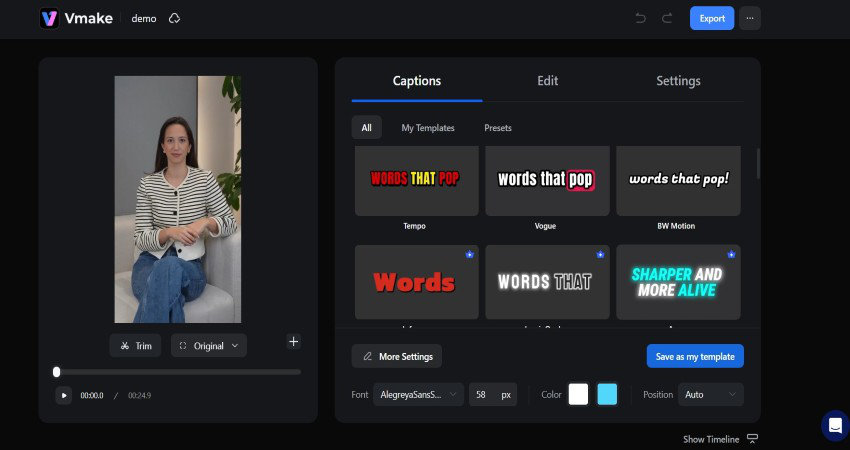
When it comes to captions, Vmake goes beyond simple text on a screen. It uses a specialized transcription engine that is remarkably accurate even in noisy environments. One of the coolest parts is the Explode Mode. This allows you to break a finished video down into its original components, like the script and the audio track. You can then edit the text directly, and the changes will be reflected in the video instantly.
For those who are repurposing old content or cleaning up a portfolio, Vmake also offers a powerful way to remove watermarks from videos. This is incredibly useful if you lost your original raw files and only have branded copies left.
Key Features of Vmake AI:
- Natural Language Control: You can literally tell the agent to make the captions look more energetic or to change the font to match your brand.
- UGC Focused Styles: The templates are designed to mimic the high-retention styles used by top creators on Shorts and Reels.
- Captions Supporting 7 Languages and 18 Styles: Vmake is a notable tool that produces dynamic captions in 7 different languages and even understands the dialect differences. It also produces captions that can be picked from 18 different styles that make the video pop.
- A Complete Set of Editing Tools: Vmake AI has multiple tools like Noise Reducer, Video Upscaler, Text-to-Video Generator, and much more. They allow you to fine-tune your content and make it production-ready.
- Upscales Your Video Up to 4K: If your video looks a bit blurry, the tool can rebuild the details while it adds the text.
Pros:
- It is a true all-in-one studio that handles strategy, scripting, and editing.
- The accuracy of the transcription is significantly higher than that of basic web tools.
- It is designed specifically for marketing and high-conversion content.
Cons:
- The credit system can be a bit confusing for new users.
- Some of the most advanced “agent” features are still in beta.
2. Riverside.fm
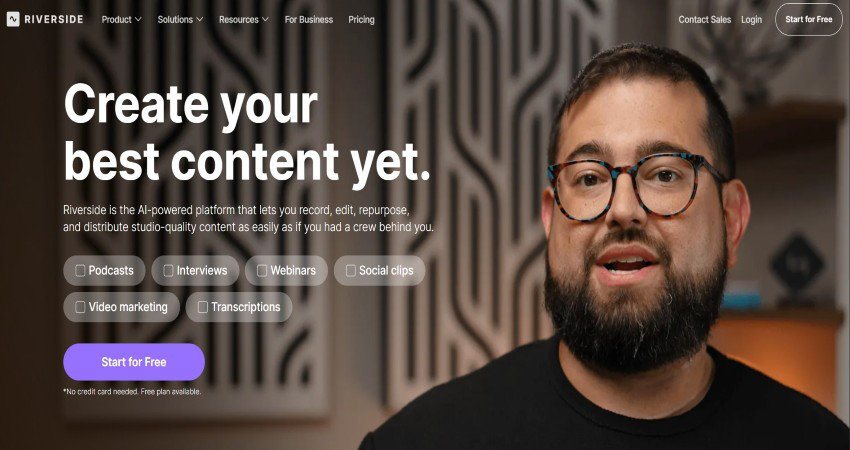
Riverside started as a podcasting platform, but it has evolved into one of the best places to get high-fidelity captions. Their secret is the “local recording” technology. Because the platform records your audio directly on your computer instead of over the internet, the sound is crystal clear. Clearer audio always leads to a much better transcription.
Key Features of Riverside.fm:
- Accurate Transcription: Riverside.fm supports over 100 languages.
- Identification of Speaker: It has the ability to automatically detect different voices and label them accordingly.
- Standalone Captioning Tool: They offer a dedicated, simplified tool just for uploading a video and getting an.SRT file or burned-in captions.
Pros:
- The quality of the text is top-tier because of the high-quality audio input.
- You can export the transcript in various formats, including TXT and SRT.
- Very clean and professional interface that stays out of your way.
Cons:
- It is more focused on interviews and talking heads than fast-paced action vlogs.
- The full suite can be expensive if you only need the captioning feature.
3. Kapwing
Kapwing has been a staple in the creator community for years. It is essentially a professional video editor that lives entirely in your web browser. Their auto-caption tool is one of the most flexible on the market. It allows you to generate text and then manually tweak it on a timeline that feels very similar to Premiere Pro but much less intimidating.

Key Features of Kapwing:
- Safe Zone Overlays: This tool gives you an idea of where the YouTube interface elements will be, so you don’t add captions in that zone.
- Live Collaboration: Kapwing allows you to send a link to a teammate, and they can edit the captions in real time while you work on the footage.
- Massive Font Library: It has thousands of custom styling options
Pros:
- No software to download or install.
- The “Smart Cut” feature can remove silences before you even generate captions.
- Excellent for teams and agencies.
Cons:
- The browser-based nature means it can struggle with very large 4K files.
- The free version is quite limited and adds a watermark.
4. Vidyo.ai
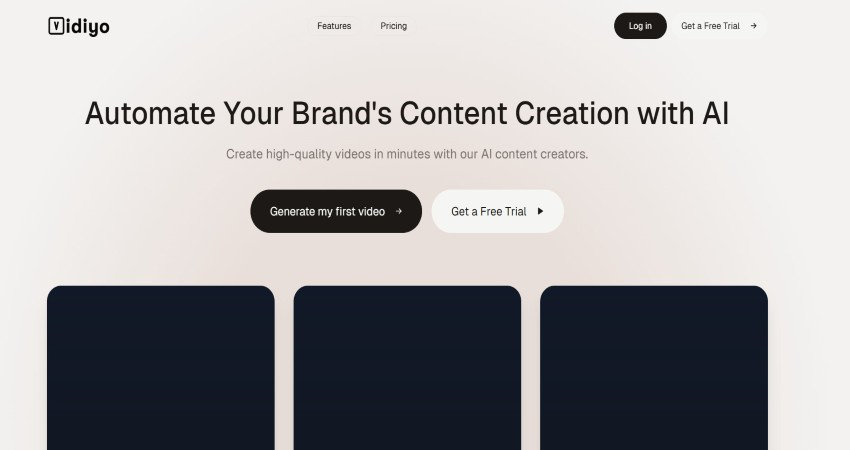
If your strategy involves taking long YouTube videos and turning them into dozens of short clips, Vidyo.ai is a lifesaver. It uses AI to find the most interesting parts of your long-form video and then automatically crops them and adds captions. It is designed for volume.
Key Features of Vidyo.ai:
- Alex Hormozi Style Captions: One-click templates for the popular high-contrast, emoji-heavy caption styles.
- Auto-Video Resizing: Changes horizontal video to vertical and keeps the speaker in the center.
- Cut Magic: An AI feature that handles the scene transitions for you.
Pros:
- Saves hours of manual work when repurposing content.
- The “Virality Score” helps you choose which parts of your video to caption.
- Very fast processing for social media clips.
Cons:
- Not designed for long-form horizontal videos.
- The AI occasionally chooses the wrong “hook” for the video.
5. Kaptioned
Sometimes you just need to get a video out while you are still on the go. Like its name, this app is a designated tool that allows you to add captions using iOS and Android devices. It is simple, direct, and surprisingly powerful for a mobile app.
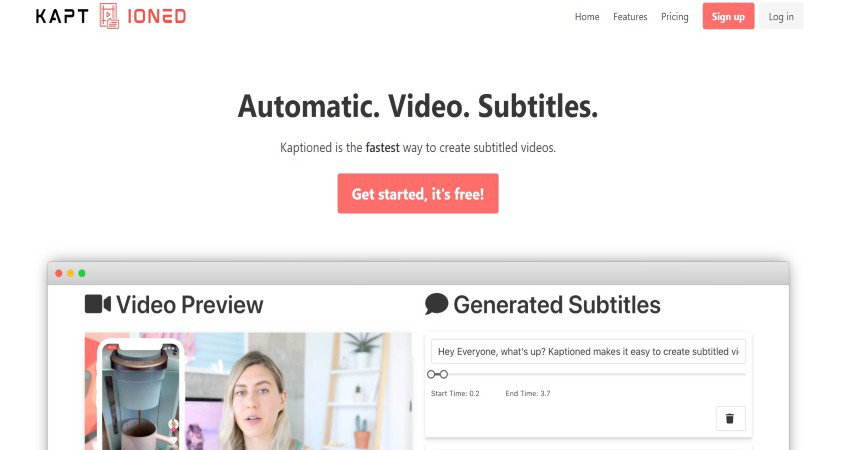
Key Features of Kaptioned:
- Multi-Language Translation: You can generate captions in one language and have the app translate them into another.
- Custom Branding: Save your colors and fonts so every mobile upload looks consistent.
- Direct Social Export: Share directly to YouTube or Instagram without having to save to your camera roll first.
Pros:
- Perfect for the “vlog in the moment” style of creator.
- Very affordable pricing compared to desktop suites.
- Intuitive enough for a child to use.
Cons:
- Doesn’t have advanced editing tools like Vmake.
Final Verdict: Which Tool Should You Pick?
Choosing the right tool really comes down to where you spend most of your time. If you want a tool that handles videos from start to finish, Vmake AI is the clear standout. Its AI Agent represents the future of how everyone will be making videos.
On the other hand, if you are strictly focused on podcasts, Riverside is your best friend. If you are a mobile creator, Kaptioned is a must-have. Each tool will serve its purpose; you just need to pick what works best for you.