The Philippines is the kind of destination where the same eSIM works fine in Cebu, but on the ferries and islands, the signal can get patchy. For the Philippines eSIM, we tested several popular services and compared mobile internet quality and features. In short, the providers we liked most are Ohayu (multi-network focus), Airalo (plans with calls & SMS), and Yesim (hotspot support).
TL;DR: 5 eSIMs for the Philippines
Most Philippine eSIMs work well in cities, but connection quality changes during ferry transfers and island-hopping routes. Here, the network switching became more important than the plan size.
- Ohayu – Best for inter-island travel thanks to automatic switching between Globe and Smart coverage.
- Yesim – Best for short trips, with quick in-app top-ups and smaller prepaid packages that are easy to manage on the go.
- aloSIM -Best for first-time eSIM users because the setup process is simple, with no manual network configuration.
- SimLocal – Best for comparing plan options, since the platform aggregates offers from multiple providers in one place.
- Airalo – Best for budget travel, especially for nomads who only need a small-to-medium data package for bookings, maps.
eSIM Providers for the Philippines
When testing the best eSIM for the Philippines, we prioritized connection stability across different parts of the country, ease of activation, and the quality of customer support. Therefore, we checked the services in Manila and Cebu.
Ohayu
Ohayu is a travel-oriented eSIM provider with global and country-specific plans, like the one for the Philippines. During testing, the service proved to be the most stable for island hopping, because of automatic switching between the local networks of Globe and Smart.
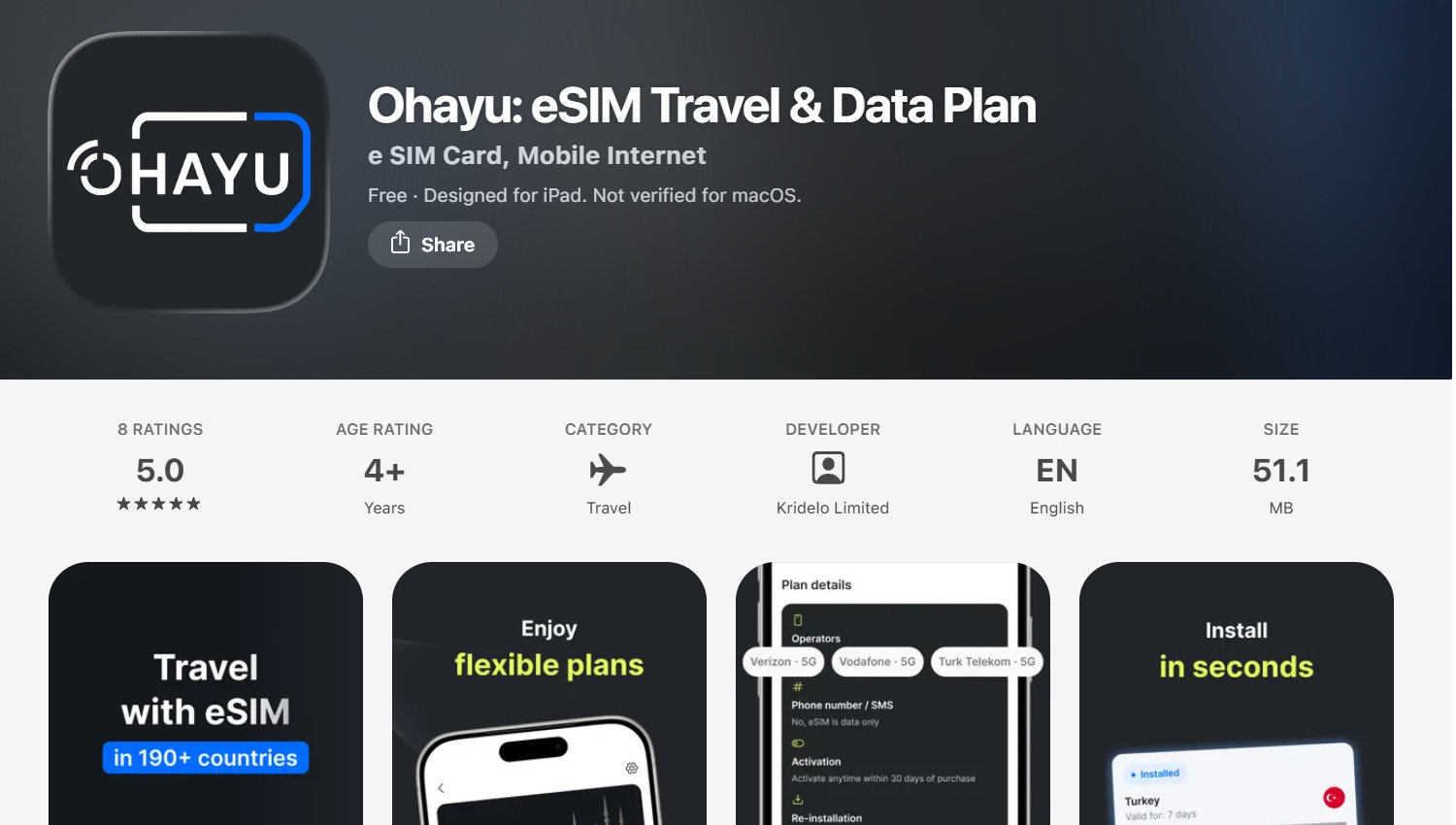
In Manila and Cebu, activation on Android took about 2 minutes, and hotspot sharing worked immediately after setting up the profile.
Benefits:
- prices start at $0.49 per 1GB for new users;
- connects to Globe and Smart without manual network switching;
- an intuitive app for top-ups, track data usage and manage prepaid plans;
- the installation process doesn’t require a separate APN setup;
- hotspot sharing is stable during navigation, video calls, etc.
Plans don’t include a local phone number, so you’ll need to use messengers or internet calling apps for calls and messages.
Yesim
Yesim proved more convenient for shorter trips in the Philippines, where quick activation and in-app top-ups mattered more than advanced features. This is an international service that works well for short and medium-length trips in the Philippines.
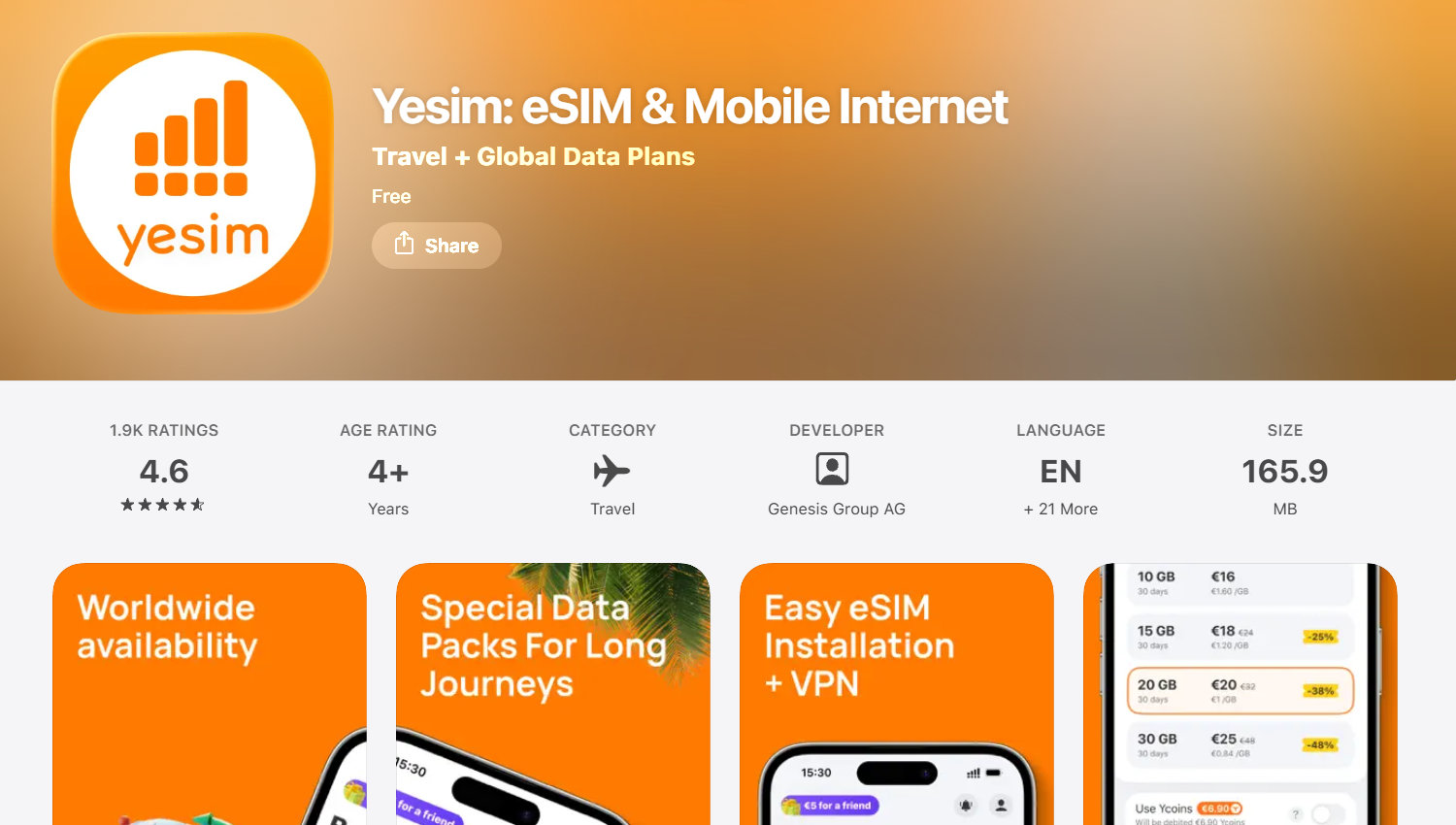
We tested Yesim in Cebu and during a trip to Palawan. Setup via the app took a few minutes, and topping up could be done without reactivating the profile.
Benefits:
- convenient trip calculator;
- 1-click app installation;
- hotspot sharing for laptops and tablets without separate settings;
- the more data you buy, the fewer coins you pay per gigabyte.
Some packages for the Philippines are slightly more expensive than the cheapest regional alternatives, especially for long-term use.
aloSIM
This service operates via a mobile app and offers prepaid data plans in the Philippines. We activated the eSIM before departure and had data working right after landing, with no airport SIM registration or store visit.

We set up the eSIM before departure, and it was already working on arrival in Manila, ready for maps and messaging apps.
Benefits:
- hotspot/tethering support;
- 24/7 live chat support from real people;
- no-contract plans;
- management of data packages and top-ups via the app.
Please note that some plans don’t guarantee completely unthrottled data, so after heavy use, speeds may depend on the network policy or the local carrier’s network load.
SimLocal
This travel connectivity marketplace compiles different data plans from third-party providers in the Philippines. They operate via the local Globe and Smart networks. During our research, we used SimLocal as a tool to compare several plans before the trip.
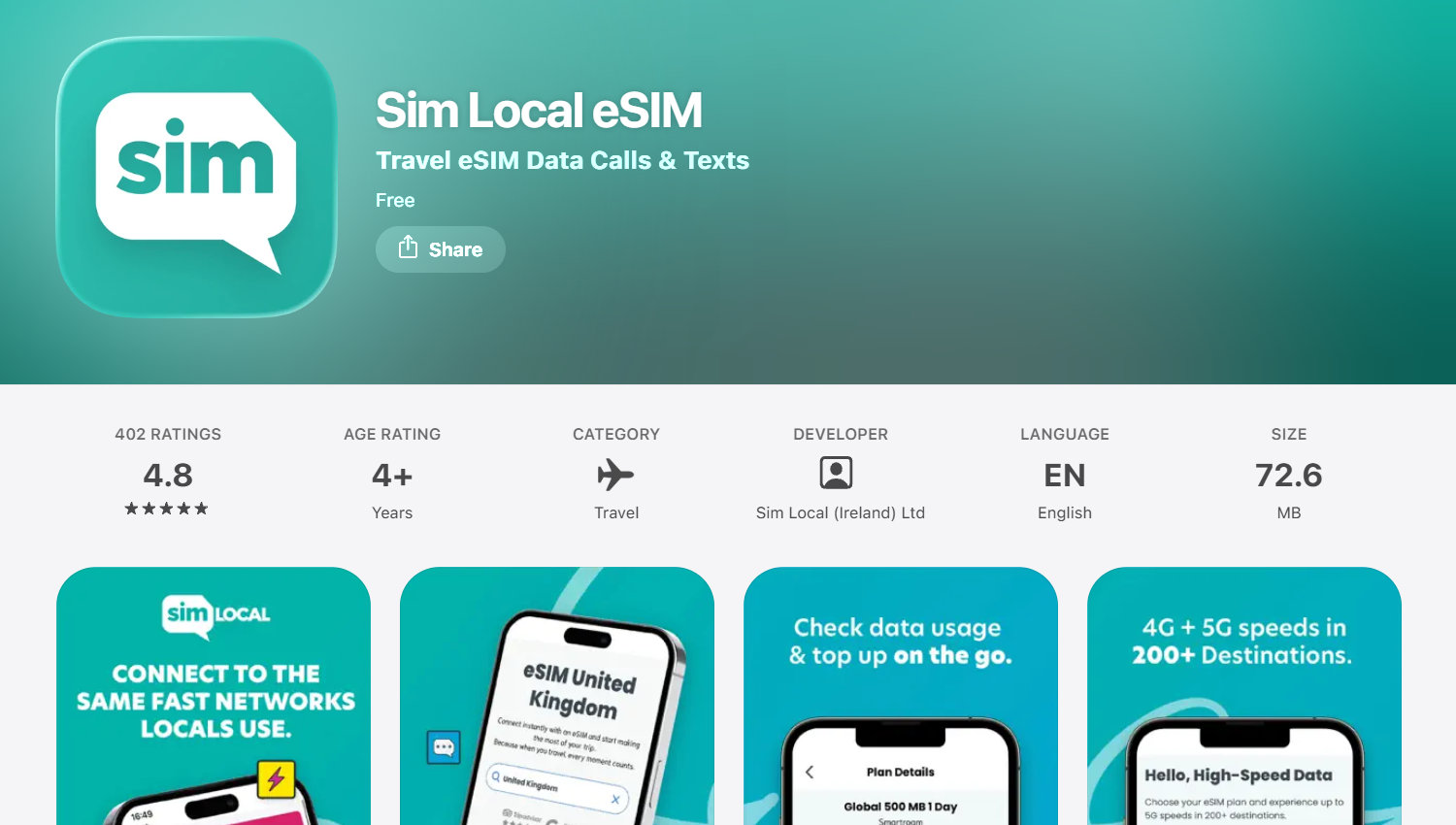
In Manila, we set up our profile before even leaving the airport, and the internet connection was established automatically after our first connection to the network. The connection held up during everyday travel use without noticeable drops.
Benefits:
- fast 4G & 5G data;
- allows you to choose between small packages and long-term plans;
- supports hotspot on most devices;
- convenient format since you can compare several services in one place.
For unlimited plans, a fair usage policy applies, so speeds may decrease after heavy usage.
Airalo
Airalo has prepaid data plans ranging from 1-3 GB to larger 20-50 GB plans via the local Smart Communications network and partner infrastructures. It is a good choice for shorter trips thanks to quick activation and simple in-app management during travel.
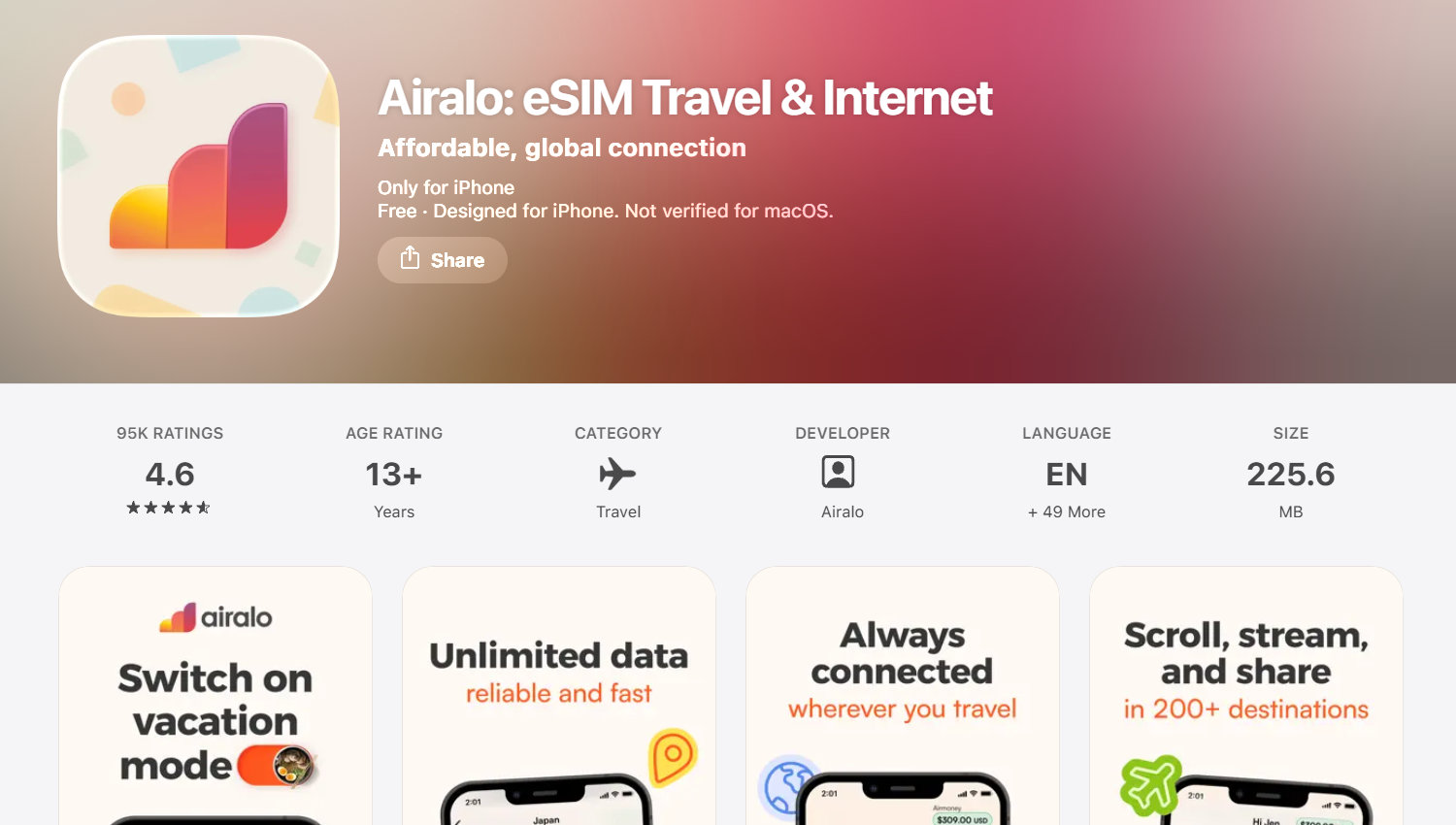
It connected immediately after arrival, with stable performance in cities like Manila and Cebu, though speeds were slightly slower during peak hours.
Benefits:
- a wide selection of prepaid plans for trips of varying lengths (from 3 to 30 days);
- supports Smart’s 5G network;
- app available in 53 languages;
- Airmoney reward system.
In remote areas, especially between islands, connection stability may vary. It depends on Smart’s coverage.
Philippines eSIM Plan Comparison
We have compiled the key details below. It shows the providers’ rates as of the time of this review and may vary (depends on the region and network conditions).
| Provider | Networks | Data | Price | Features |
|---|---|---|---|---|
| Ohayu | Smart, Globe | 10 GB | $23.79 | auto network switching; app-based top-ups; hotspot |
| Yesim | Smart, Globe | 10 GB | $45.60 | 24/7 support; alerts when data is low |
| aloSIM | Globe | 10 GB | $20.00 | hotspot/tethering; prepaid and unlimited options |
| SimLocal | Smart, Globe | 10 GB | $19.50 | calls&texts; marketplace model |
| Airalo | Smart | 10 GB | $19.00 | multi-language support; top-ups; unlimited plans |
City Travel vs. Island-hopping
Mobile experience in the Philippines can be different in densely populated urban or tourist places and when moving between islands.
City Trips: In Manila, Cebu, Davao, Makati, and BGC, an eSIM covers basic needs. Here, connection should be available upon arrival with no hard setup.
Island-hopping: In Palawan, Bohol, Siargao, and Boracay, coverage differs even between tourist areas and remote locations. The signal can drop out on ferries or flights between islands.
eSIM vs. Local SIM in the Philippines
Both eSIMs and local SIM cards operate on the same networks (Globe and Smart), but the difference lies in ease of setup and functionality.
eSIM is the better choice when you need:
- set up connectivity before arriving in the Philippines;
- avoid searching for a store or kiosk at the airport;
- not have to swap out the physical SIM card in your phone;
- have only a data connection for maps, messaging apps, and bookings;
A local SIM is the better choice when you need:
- local calls and SMS;
- a Philippine phone number for services and registrations.
Keep in mind that purchasing a local SIM in the Philippines usually requires registration: passport details, selfie verification, and sometimes a residential address and confirmation of your trip or place of stay.
How to install a Philippines eSIM
Setup takes just a few minutes and doesn’t require visiting a store or replacing a physical SIM card. Here are the basic steps:
- Check that your phone isn’t locked to a specific operator.
- Make sure your device supports eSIM.
- Type *#06# – this is a safe check that displays the EID and IMEI; it is not a call and is not charged.
- Set up the profile via a QR code or app.
- Upon arrival, turn on mobile data and data roaming for the eSIM to connect to the local network.
Conclusion
For trips to major cities like Manila or Cebu, the most convenient solutions are those with quick setup, and stable access to booking, massaging, etc. Airalo and Yesim are good for such scenarios. For island-hopping routes through Palawan, Bohol, or Siargao, coverage and switching between Globe and Smart are more important, and Ohayu looks more practical here. If you need a local number (+63) and a longer stay, then it makes more sense to consider a local SIM from Globe or Smart.
In this review the most balanced options are Ohayu (for stability on inter-island routes), Airalo (for predictable packages and quick activation), and Yesim (for flexibility on short trips and top-ups via the app).
Best eSIM for the Philippines FAQs
What eSIM to use if I’m visiting the Philippines and Mexico on the same trip?
For a trip like this, it’s convenient to use a global eSIM plan, like the one from Ohayu – a single plan covering 112 countries & 229 operators.
Can I use a travel eSIM for island-hopping in the Philippines?
Yes, but the quality depends on your location. Coverage is more stable in cities, island routes depend on switching between Globe and Smart networks.
Can I get a Philippine phone number with an eSIM?
Travel eSIMs usually don’t come with a number. Local SIMs from Smart or Globe can have a +63 number, but require full registration.
Is a hotspot enough, or should I rent a pocket Wi-Fi?
A hotspot is usually sufficient for one or two devices. Pocket Wi-Fi is better for groups or heavy usage, but it’s a separate device that needs charging.