• Home
  • About Us
  • Advertise
  • Archives
  • Contact Us
  • Smartphone Prices
Wednesday, August 26, 2026
Tech Pilipinas
  • Telecoms
  • Government
  • Fintech
  • Internet
  • Social Media
  • Tutorials
  • Entertainment
  • E-commerce
  • Deals
  • More
    • Gaming
    • Gadgets
    • Mobile
    • Apps
    • Business
    • News
    • Security
No Result
View All Result
  • Telecoms
  • Government
  • Fintech
  • Internet
  • Social Media
  • Tutorials
  • Entertainment
  • E-commerce
  • Deals
  • More
    • Gaming
    • Gadgets
    • Mobile
    • Apps
    • Business
    • News
    • Security
No Result
View All Result
Tech Pilipinas
No Result
View All Result

Home » Technology » Exploring How QR Codes Power Modern Tech Experiences

Exploring How QR Codes Power Modern Tech Experiences

Luis Reginaldo Medilo by Luis Reginaldo Medilo
March 21, 2026
in Technology
0

Modern technology relies on fast connections between devices, apps, and online services. Many developers now use a QR code generator free inside interfaces, packaging, or setup screens so users can open the correct page instantly without typing long links. This method makes digital experiences smoother and helps reduce mistakes during setup or login.

With a free QR code generator, companies can connect users to downloads, account pages, or device settings in seconds. A QR code allows quick switching between screens, which is especially useful when working across phones, tablets, and smart devices.

How QR Codes Are Used in Smart Devices and Connected Apps

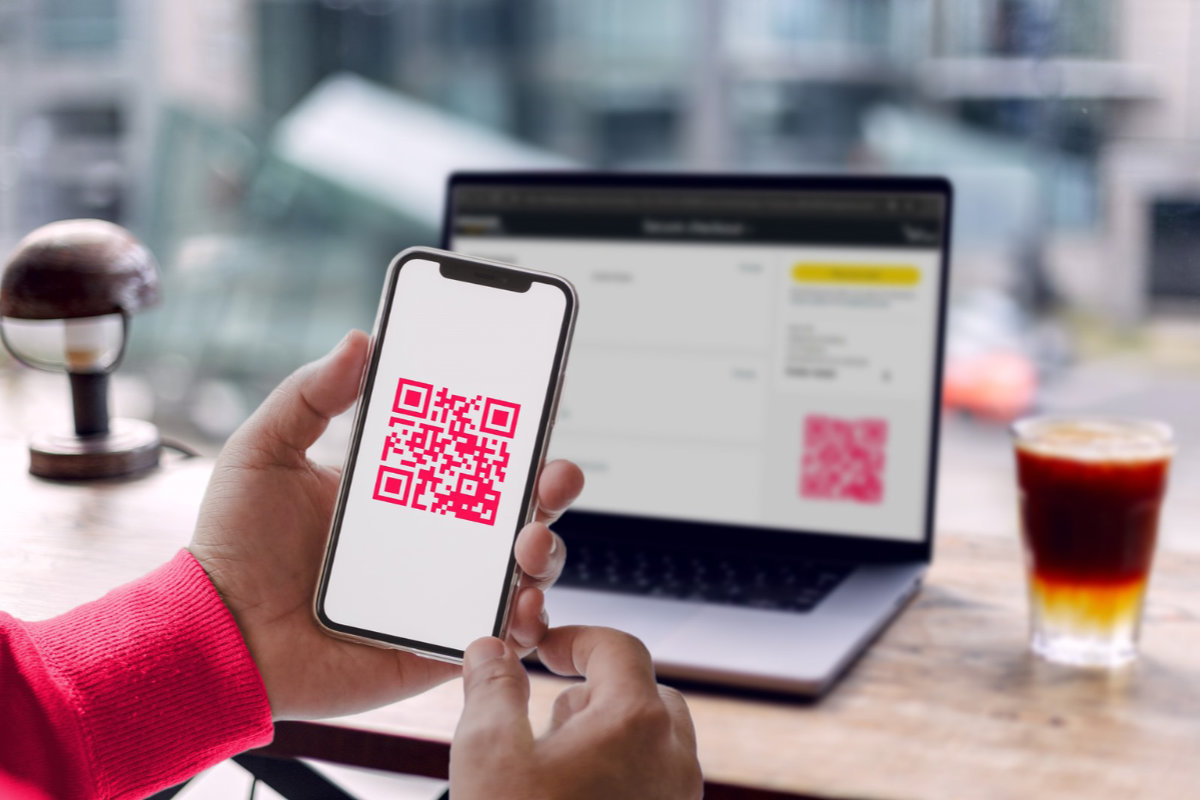
Smart devices often need to connect to apps, networks, or accounts before they can be used. Instead of entering data manually, many systems display a QR code that can be scanned to complete the setup.

Using a QR code generator online, developers can create unique codes for each device or session. This helps keep the process secure while still making it easy for users.

Device TypeQR Code FunctionResult
Smart TVPair With PhoneFast Setup
Mobile AppLogin LinkInstant Access
RouterWi-Fi ConnectNo Password Typing
Smart WatchSync AccountQuick Connection

A QR code maker free allows manufacturers to simplify interfaces without removing important features.

Using QR Codes to Enable Fast Device Setup and Access

Many modern apps and devices require users to open web pages, confirm accounts, or install software. With a QR generator free, these steps can be completed by scanning a code instead of typing links.

This is useful when connecting mobile apps to desktop software or activating new devices. With create QR code free tools, developers can generate temporary codes that work only during setup, which improves security.

Some advanced ways QR codes are used in tech workflows include:

  • opening device activation pages;
  • linking apps to cloud accounts;
  • sharing configuration settings;
  • starting downloads from another device;
  • opening support instructions;
  • connecting devices to online services.

These features make technology easier to use without adding complicated menus.

How QR Code Scanning Improves Mobile User Experience

QR codes make mobile interactions faster because users do not need to search for links or type addresses. One scan can open the exact page needed, which saves time and avoids errors.

ME-QR is an international service for creating, managing, and tracking QR codes across apps, devices, and digital platforms. The platform is used worldwide, with millions of QR codes created and hundreds of millions of scans recorded, and it includes a simple dashboard available in multiple languages.

With a QR code creator, links can be updated without changing the code itself. This is useful for apps that receive updates or devices that need new settings after release.

QRcode technology continues to improve modern tech experiences by making connections faster and easier. As more devices become connected, QR codes remain one of the simplest ways to link everything together.

FAQ

How do QR codes simplify device setup?

They let users scan once to open pairing pages, activation steps, or account links instead of entering details manually.

Can QR codes help connect apps across different devices?

Yes, they can link phones, tablets, computers, and smart devices so the same service opens quickly on the correct screen.

Why are QR codes practical in mobile tech experiences?

They reduce friction during login, setup, and navigation, which makes digital interactions feel faster and more intuitive.


ShareTweetShareShare
Add as a preferred source on Google

If you enjoyed reading this article, you can help support independent tech journalism by adding Tech Pilipinas as a preferred source.

Previous Post

The Philippines Just Banned Grok AI Chatbot Due to Deepfake Concerns

Next Post

Instagram Plus launches in the Philippines at ₱65/month

Luis Reginaldo Medilo

Luis Reginaldo Medilo

Luis Reginaldo Medilo is the founder and editor-in-chief of Tech Pilipinas. He has over 25 years of hands-on experience with computers and the Internet, and has been writing about Philippine technology for over a decade, covering fintech, telecoms, government digital services, and consumer gadgets.

You May Also Like

Technology

Inside SAFEWTRS: How DOST Turned Sunlight into Safe Drinking Water For a Tarlac Tribe

August 17, 2026
Technology

How Much Do Rooftop Solar Panels Actually Cost in the Philippines?

August 10, 2026
Technology

PowerDMARC Releases Philippines DMARC & MTA-STS Adoption Report 2026

July 7, 2026

Leave a Reply Cancel reply

Your email address will not be published. Required fields are marked *

Latest Articles

DTI says Pax Silica not limited to New Clark City, other sites considered

August 26, 2026

How to Apply for SSS Unemployment Benefit (2026 Updated Guide)

August 25, 2026

Marcos pushes for local EV production, starting with e-trikes

August 25, 2026

DOST earmarks ₱300 million to expand AI data centers

August 25, 2026

iPhone maker Foxconn aims to lead Pax Silica hub in New Clark City

August 24, 2026

Featured Articles

passport appointment

How to Schedule a DFA Passport Appointment Online (2025 Updated Guide)

December 15, 2025

How to Apply for a UMID ID Card or SSS ID Online (2026 Updated Guide)

January 20, 2026

How to Apply for the DOST Scholarship Program (2027 Application Guide)

August 6, 2026

How to Get a Pag-IBIG Loyalty Card Plus (2026 Updated Guide)

June 22, 2026

How to Get a PhilHealth ID Card (2025 Updated Guide)

December 15, 2025
Facebook Twitter Instagram Threads Youtube Pinterest

About Us

Tech Pilipinas is the Philippines’ digital lifestyle and technology magazine, helping millions of Filipinos keep up with the challenges of the fast-paced, ever-changing world of technology.

Office Address: General Maxilom Avenue, Cebu City, Cebu, Philippines
Email: [email protected]
Phone: +639055450299

Get it on Google Play

Browse by Category

  • AI
  • Apps
  • Business
  • Computers
  • Deals
  • E-commerce
  • Entertainment
  • Fintech
  • Gadgets
  • Gaming
  • Government
  • Internet
  • Mobile
  • News
  • Reviews
  • Security
  • Social Media
  • Software
  • Technology
  • Telecoms
  • Tutorials
  • Uncategorized
  • ZIP Codes

Popular Tags

BIR BPI Facebook GCash Globe HDMF InstaPay mobile wallet online banking online payments online shopping Pag-IBIG Pax Silica PayMaya PLDT Smart Social Security System SSS Talk N' Text WiFi

Copyright © 2017-2026, Tech Pilipinas and Luis Reginaldo Medilo. All Rights Reserved.
Tech Pilipinas ® is a registered trademark with the Intellectual Property Office of the Philippines with Registration No. 4/2023/00502052.
No part of this site may be copied, reproduced, modified or distributed without the prior written consent of Tech Pilipinas.
Contact Us | Copyright Notice | Disclosure Policy | Disclaimer | Privacy Policy | Editorial Policy | Corrections Policy | Code of Ethics

  • Home
  • Categories
    • Apps
    • Business
    • Computers
    • Deals
    • E-commerce
    • Fintech
    • Gadgets
    • Gaming
    • Government
    • Internet
    • Mobile
    • News
    • Reviews
    • Security
    • Social Media
    • Software
    • Telecoms
    • Tutorials
    • Entertainment
  • About Us
  • Archives
  • Advertise
  • Contact Us
  • Smartphone Prices