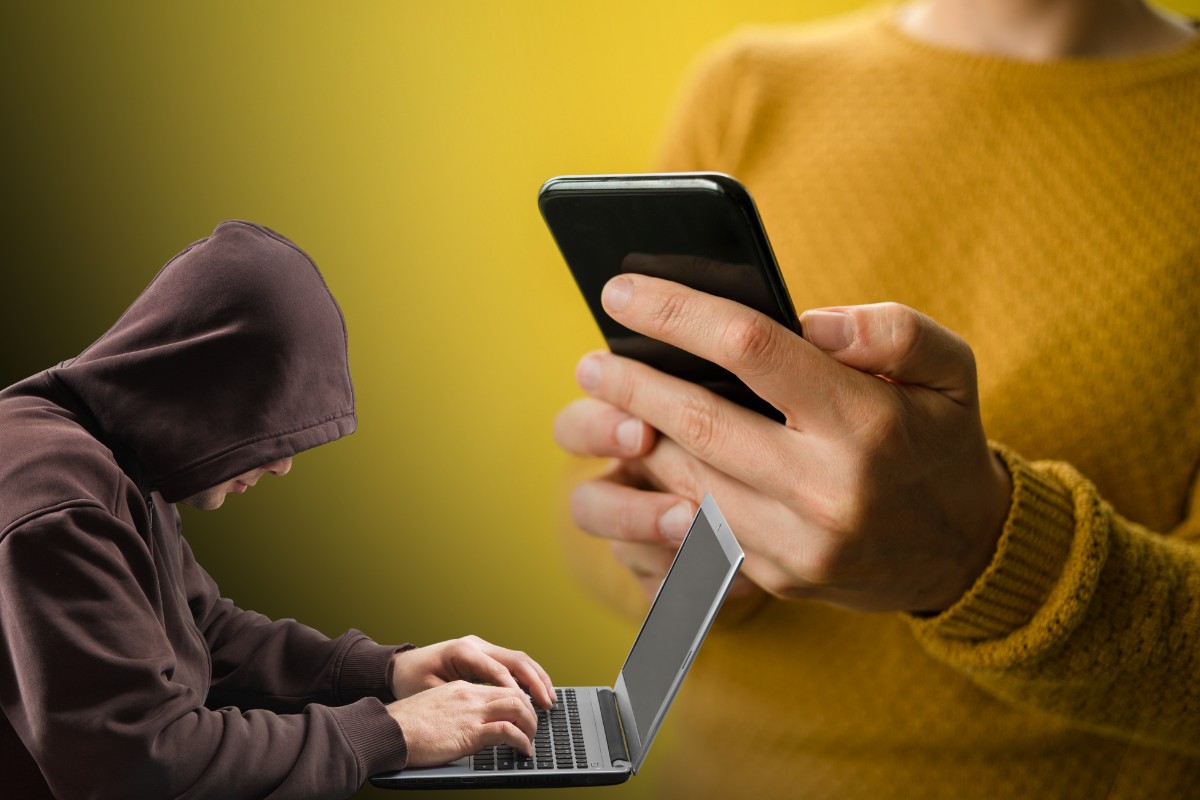
Free WiFi is everywhere these days – in malls, coffee shops, airports, fast food chains, and even at your local park. When your mobile data is running low and you see an available WiFi network, it’s really tempting to just tap “Connect” and check your messages or scroll through Facebook. But that free connection could be costly (literally and figuratively), which is why you need to learn how to avoid getting hacked on public WiFi.
Just recently, the Department of Information and Communications Technology (DICT), together with global cybersecurity firm Kaspersky, put out a warning about the risks of connecting to free, public WiFi hotspots. Their advice was pretty blunt: never open your online banking app or e-wallet while you’re on a public network.
The reason is that these open WiFi networks usually don’t ask for a password, and that lack of a password is what makes it so easy for a cybercriminal to use the same connection and quietly watch everything you’re doing – your passwords, your banking details, even your private messages – without you ever noticing.
But don’t worry because keeping yourself safe on public networks is really easy and doesn’t require any advanced technical skills. It boils down to a few simple habits, plus one piece of software that I personally never leave home without. I’ll discuss how hackers actually pull off these attacks, the daily habits that make you a much harder target, and why I always use a VPN whenever I connect to public WiFi networks.
Table of Contents
How Hackers Steal Your Data on Public WiFi
Before I teach you how to avoid getting hacked, it pays to understand first what you’re actually up against. Getting hacked on public WiFi isn’t just one single technique – it’s several. Once you know how these attacks works, you’ll be better prepared to deal with them.
The most common one is what we call a man-in-the-middle attack. On an open network, the data traveling between your phone and the websites you visit isn’t protected the way it is on a secured connection. This means that a hacker connected to the same WiFi can put themselves in the middle and intercept data that passes through. Anything you type, including usernames, passwords, and card numbers, can potentially be intercepted and stolen.
Then there’s this sneaky technique called the evil twin. Here, the hacker sets up their own hotspot and gives it a trustworthy-sounding name like “SM_Free_WiFi” or “Starbucks_Guest,” hoping you’ll connect to it by mistake. Once you’re connected to the fake network, every bit of your traffic flows through their equipment, giving them the opportunity to steal your personal information and login credentials.
Hackers can also use packet sniffing, where they run software that captures the little bundles of data (“packets”) moving across the network, and session hijacking, where they steal the session cookie so that they can impersonate you without needing your password. And in some cases, a compromised network can be used to install malware on your device.
Tips to Avoid Getting Hacked on Public WiFi
These are the daily habits that drastically lower your chances of getting hacked on public WiFi. Always keep them in mind whenever you’re tempted to connect to a free WiFi in the mall or in Starbucks.
Never Open Your Bank or E-Wallet Apps on Public WiFi
This is the single most important rule that the DICT keeps harping about. Don’t log in to your online banking app, and don’t open GCash or Maya, while you’re connected to a public hotspot. If your bank or e-wallet is genuinely urgent and can’t wait, switch to your mobile data instead. A Globe or Smart mobile data connection is far safer than an open network that you know nothing about.
Save the money transfers and bill payments for when you’re back home on your own secured WiFi.
Double-Check the Network Name Before You Connect
Because evil twin networks try to fool you into connecting to the wrong hotspot, your best move is to confirm the exact network name with a staff member before you join.
Ask the cashier or the counter which network is the official one, and pay attention to the spelling – a fake network will often have a name quite similar to the real one. If you see two networks with almost identical names, don’t connect until you’re sure which one is legit.
Turn Off Auto-Connect and Log Out When You’re Done
Most smartphones have an “auto-connect” or “auto-join” setting that automatically connects to any open network within range. This means that your phone could be joining random hotspots without you even realizing it.
Open your phone’s WiFi settings and switch “auto-connect” off. That way, your phone doesn’t automatically connect to available WiFi networks and you can manually join the trusted hotspot that you prefer.
Instead of simply closing the browser or app after use, make it a habit to log completely out of your accounts (yes, that includes your Facebook account). Hackers are constantly on the prowl for active sessions to conduct session-hijacking attacks.
Avoid Public USB Charging Ports
Let’s be honest. It’s really tempting to connect your device to a free USB charging station, especially if your phone battery is running low.
But there’s a catch! Those USB charging stations in malls and airports could be tampered and might secretly install malware on your phone while it charges – a trick known as “juice jacking.”
If your battery is dying, plug your own charger into a regular power outlet instead, or better yet, carry a power bank so you never have to rely on a public port at all.
Switch Off Bluetooth and NFC in Crowded Areas
When you’re walking through a packed mall, terminal, or event, it’s a good idea to disable both Bluetooth and NFC (Near Field Communication) on your phone. Leaving them on gives strangers a possible way to detect or connect to your device, and there’s really no downside to switching them off when you’re not actively using them. Turn them back on later when you need to pair your earbuds or tap to pay.
Use a VPN Whenever You Connect to Public WiFi
If there’s one extra layer of protection that I recommend to Filipinos, it’s a VPN. In fact, both the DICT and Kaspersky suggest using a VPN on public networks.
VPN stands for Virtual Private Network, and what it does is scramble all the data leaving your device so that even if a hacker manages to intercept it, all they see is unreadable gibberish instead of your passwords and messages. It essentially wraps your connection in a private tunnel that other people on the same WiFi can’t peek into.
Aside from providing data security so that your phone or computer doesn’t get hacked, a VPN also hides your real IP address. This means that you can access websites that are normally blocked or restricted in the Philippines. Great for watching geo-restricted Netflix shows or YouTube videos!
The VPN I personally use whenever I connect to public WiFi is Surfshark. I only paid around ₱2,000 for a two-year plan with unlimited devices, which works out to less than ₱100 per month! It’s really worth every peso because of the peace of mind it gives me whenever I use the Starbucks’ or mall’s WiFi.
A few other things I like about it: Surfshark keeps a no-logs policy (which means that it doesn’t record what you do online), it has servers in 100 countries including the Philippines, and every plan comes with a 30-day money-back guarantee so you can try it risk-free. Once it’s installed, using it is as easy as opening the Surfshark app and tapping “Connect” every time you join a public WiFi.
Here’s a quick reference for what’s generally safe and what’s risky to do on a public network:
| On Public WiFi | Safe or Risky? |
|---|---|
| Browsing news or reading articles | Generally safe (safer with a VPN) |
| Watching videos or streaming | Generally safe (safer with a VPN) |
| Logging in to GCash, Maya, or online banking | Risky – avoid, use mobile data instead |
| Online shopping and entering card details | Risky – avoid, or use a VPN |
| Sending sensitive work documents | Risky – wait for a secure connection |
| Using any account without a VPN | Riskier than with one |
A Few More Habits Worth Building
Beyond the essentials listed above, there are a couple of smaller habits that quietly make you a harder target for hackers and malicious actors.
Make sure the websites you visit show a padlock and “https” in the address bar, since that means your connection to that specific site is encrypted. Keep your phone’s operating system and apps updated, because regular updates often patch the security holes that hackers look for. And most importantly, turn on two-factor authentication (2FA) for your important accounts. That way, even if a hacker manages to steal your password, they still can’t access your account without the secret code sent to you.
Remember the DICT’s final piece of advice: only use public WiFi as a last resort. If it isn’t urgent, it’s always safer to use your own mobile data instead or just wait until you’re back on your home network.
Frequently Asked Questions
Is it safe to use GCash or online banking on public WiFi?
No, it’s not recommended to use e-wallets and online banking apps on public WiFi. Public networks lack basic security, which makes it possible for hackers on the same connection to capture your login details and banking information. If you need to access GCash, Maya, or your bank, switch to your mobile data or wait until you’re on a secured home network.
What is an evil twin WiFi network?
An evil twin is a fake WiFi hotspot that a hacker sets up using a legitimate-sounding name, like “SM_Free_WiFi,” to trick you into connecting to it. Once you’re connected to it, all your Internet traffic passes through the hacker’s equipment, allowing them to monitor and steal your data. The best defense is to verify the correct network name with a staff member before connecting.
Do I really need a VPN for public WiFi?
While you can stay reasonably safe by following good habits, a VPN adds a strong layer of protection by encrypting your data so it can’t be read even if it’s intercepted. Both the DICT and Kaspersky recommend using one on public networks. I personally use Surfshark on all my devices, and for the price, it’s well worth the peace of mind.
Is mobile data safer than public WiFi?
Yes. Your Globe, Smart, or DITO mobile data connection is far more secure than an open public hotspot because it’s not a shared, unsecured network that strangers can freely join. Whenever you need to do anything sensitive, like banking or online payments, using your mobile data is the far safer choice.
Can someone hack my phone just by being on the same WiFi?
Being on the same network gives a hacker the opportunity to attempt attacks like intercepting your data or pushing malware, but it doesn’t guarantee they’ll succeed, especially if you’re taking precautions. Turning off auto-connect, avoiding sensitive apps, keeping your device updated, and using a VPN all significantly reduce the risk.
Is it safe to open banking apps on public WiFi if I use biometrics like Face ID or fingerprint?
No, and this is one of the most common misconceptions about mobile security. Biometrics only secure the authentication step on your device; your face or fingerprint never actually travels over the network. What does travel over the network is the session token your bank generates after you’ve logged in, and that token is just as valuable to a hacker as a password, because stealing it lets them hijack your session and operate as if they are you. On top of that, everything you do inside the app after logging in, such as checking your balance, confirming a transfer, viewing your account number, is also transmitted over that same open network. Biometrics protect the device, but they don’t protect the connection. The safest approach is to switch to mobile data for anything banking-related.
Is Surfshark a good VPN for the Philippines?
Yes. Surfshark has servers in 100 countries, including the Philippines, so you can get a fast, local connection when you need one. It supports unlimited devices on a single account, keeps a no-logs policy, and comes with a 30-day money-back guarantee, making it a practical and affordable option for Filipino users.
Final Words
Getting hacked on public WiFi is a real risk, but protecting yourself doesn’t take much – just a few simple habits like not using your banking apps, double-checking the network name, turning off auto-connect, and firing up a VPN before you connect. Do those consistently, and you can enjoy the convenience of free WiFi without inadvertently handing over your passwords and even your hard-earned money to a hacker.
We hope this guide helps you stay safe the next time you connect to a public network in a mall, cafe, or airport. If you have your own tips for staying secure on public WiFi, or if you’ve got questions about setting up a VPN, feel free to leave a comment below and I’ll do my best to help you.