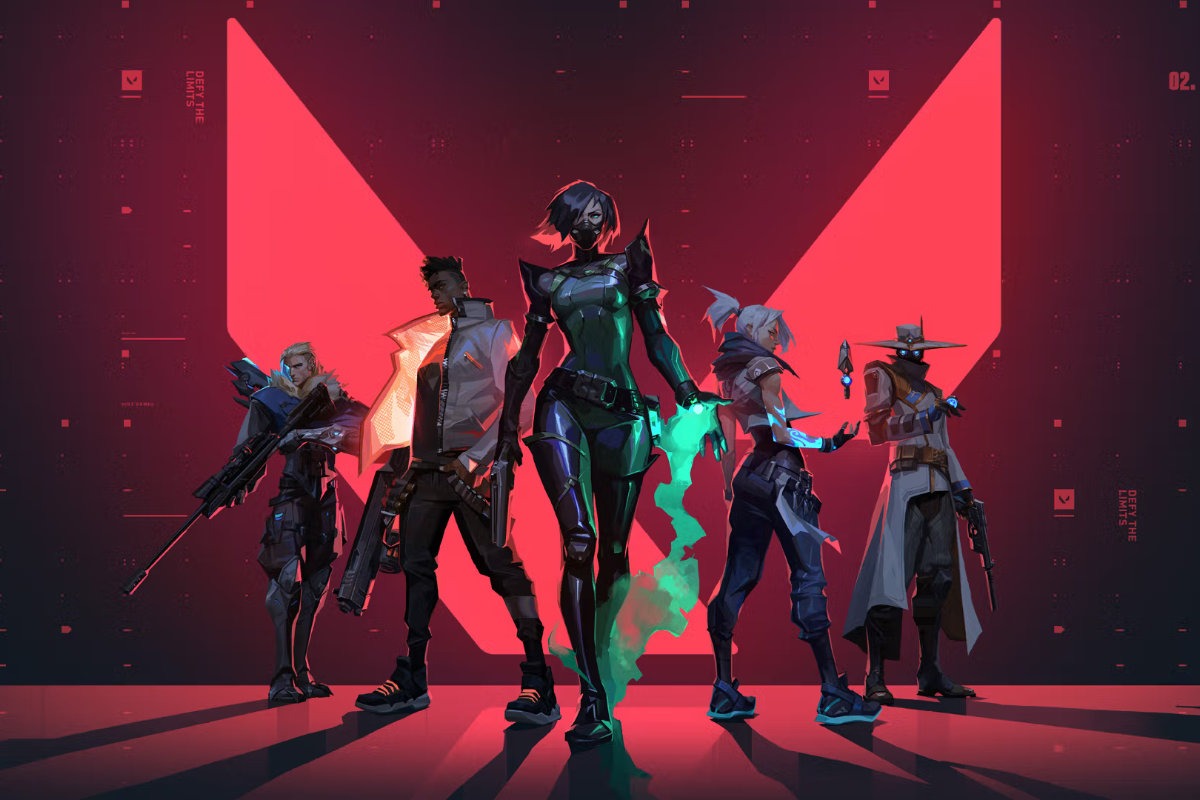
Valorant has taken the Philippine gaming scene by storm since its global launch in 2020. Developed by Riot Games, this free-to-play tactical first-person shooter blends precise gunplay with unique agent abilities, creating a competitive experience that has captivated millions of players across Southeast Asia. The Philippines in particular has embraced Valorant wholeheartedly, with teams like ONIC PH and a growing roster of Filipino professional players have put the country firmly on the global Valorant map.
The game’s accessibility is a big part of its appeal in the Philippines. Because it runs well even on modest hardware and is completely free to download, it quickly became the go-to competitive shooter for a generation of Filipino gamers. Riot Games has also supported the region actively, hosting regional tournaments and featuring Philippine servers that offer low-latency gameplay. Whether you’re a seasoned veteran grinding ranked or a newcomer still learning the ropes, this guide covers some of the most practical things every Valorant player needs to know.
How to Safely Bet on Valorant in the Philippines
Esports betting on Valorant has grown significantly in the Philippines alongside the game’s popularity, with many licensed online sportsbooks now offering markets on major tournaments like VCT Pacific and Champions. If you choose to bet, the most important step is sticking to regulated platforms, look for sportsbooks such as Uwin33, which are licensed by PAGCOR (Philippine Amusement and Gaming Corporation), as these are legally operating within the country and offer a layer of consumer protection that unlicensed offshore sites do not. Reputable platforms will clearly display their licensing information, offer secure payment methods, and have responsible gambling tools built in.
Beyond choosing a safe platform, smart bankroll management is the foundation of responsible betting. Set a fixed budget before you start and treat it as an entertainment expense rather than a source of income. It also helps to have genuine knowledge of the game – understanding team form, agent meta, and map pools gives you a much more informed basis for any wager than simply betting on the most recognisable name. Follow VCT Pacific coverage, watch matches, and only bet on markets you actually understand. Valorant esports can be unpredictable, so keeping your stakes modest and your expectations realistic is always the wisest approach.
How to Uninstall Valorant
Uninstalling Valorant is a little different from removing a typical game because it comes bundled with Vanguard, Riot’s anti-cheat software, which runs at a system level and needs to be removed separately. Here’s how to do it cleanly on Windows:
Step 1: Uninstall Vanguard first
Before removing Valorant itself, you need to get rid of Vanguard. Open the Start Menu and search for “Add or Remove Programs” (or go to Settings → Apps). Scroll through the list until you find Riot Vanguard. Click on it and select Uninstall. Follow the on-screen prompts to complete the removal. Your PC may ask you to restart — go ahead and do so before moving on.
Step 2: Uninstall Valorant
Once Vanguard is gone and your PC has restarted, head back to Add or Remove Programs. This time, find Valorant in the list, click it, and select Uninstall. The Riot uninstaller will launch and walk you through the rest of the process.
Step 3: Uninstall the Riot Client
If you no longer want any Riot Games on your system, repeat the same process for the Riot Client. If you still play League of Legends or other Riot titles, you can skip this step.
Step 4: Clean up leftover files (optional)
Sometimes residual files linger after uninstalling. To remove them, open File Explorer and navigate to C:\Riot Games\ – if the folder still exists, delete it manually. You can also check C:\ProgramData\ for any remaining Riot or Vanguard folders and delete those too.
After following these steps, Valorant and all its associated software should be completely removed from your system.
How to Copy Crosshairs in Valorant
Your crosshair is one of the most personal – and most impactful – settings in Valorant. A good crosshair helps with target acquisition, reduces visual clutter, and can even improve your consistency over time. The good news is that Valorant has a built-in crosshair import system, so you can copy the exact crosshair of your favourite pro player in seconds.
Finding a crosshair code
Every crosshair in Valorant can be represented as a short alphanumeric code. Professional players and content creators regularly share their crosshair codes on social media, YouTube, and sites like ProSettings.net. For example, popular Filipino and Southeast Asian pros frequently post their updated crosshair codes on Twitter/X and TikTok. A quick search for “[player name] crosshair code 2026” will usually turn up what you need.
Importing the crosshair in-game
Once you have a code, here’s how to apply it:
- Launch Valorant and head to the Settings menu (the gear icon in the top right of the main screen).
- Click on the Crosshair tab.
- At the top of the crosshair settings page, you’ll see a text field labelled “Import Profile Code” or similar – it sits just above your crosshair profile list.
- Paste the code into that field and press Import.
- The crosshair will be loaded into a new profile automatically. You can rename it to keep things organised.
Tips for choosing the right crosshair
Not every crosshair works for every player. Here are a few things to keep in mind:
- Colour matters. Choose a colour that stands out against Valorant’s environments. Cyan and green tend to offer high visibility across most maps; red can sometimes blend into character models.
- Avoid movement and firing errors if you’re learning. Dynamic crosshairs that expand when you move or shoot are useful for learning spray control, but most experienced players prefer a static crosshair for consistency.
- Size and thickness are personal. Smaller crosshairs can feel more precise for headshot-focused players, while thicker crosshairs are easier to track quickly in fast-paced situations.
- Try before you commit. Head into the shooting range and test any imported crosshair before taking it into a ranked match. What looks good in the menu doesn’t always feel right mid-game.
Experimenting with crosshairs is one of the most fun and low-stakes ways to fine-tune your game. Take your time, copy a few from pros you admire, and settle on the one that feels most natural for your playstyle.
Whether you’re setting up Valorant for the first time, doing a clean uninstall, or chasing that perfect crosshair, the details matter. The Filipino Valorant community is one of the most passionate in the world, and with the right setup, you’ll be ready to compete at your best.